

Product description
WIFI Smart Plug Socket 16A,use Ewelink APP, work with Google/Alexa/SmartThings

- Dual individual Control Socket
- WIFI Connect
- Timing Countdown
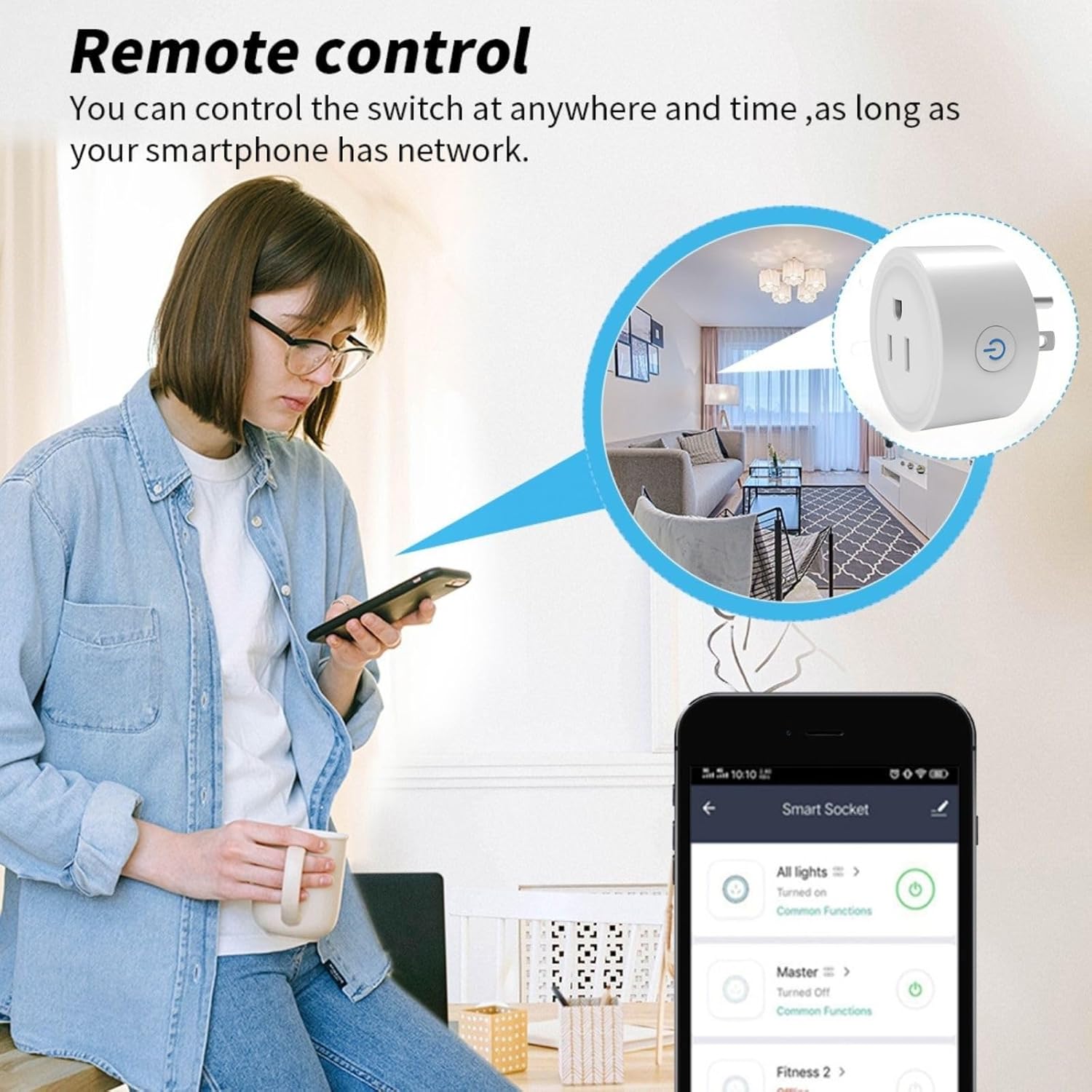
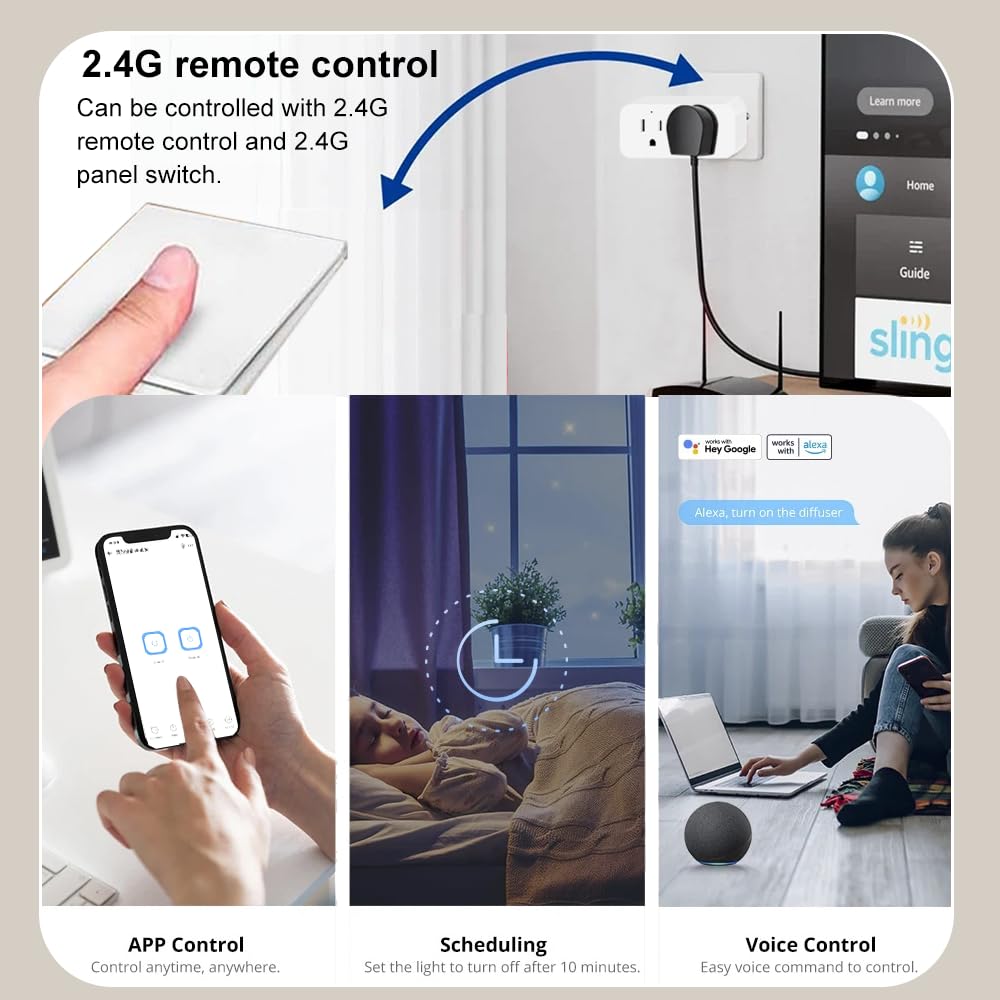
- Remote Control
- APP Control
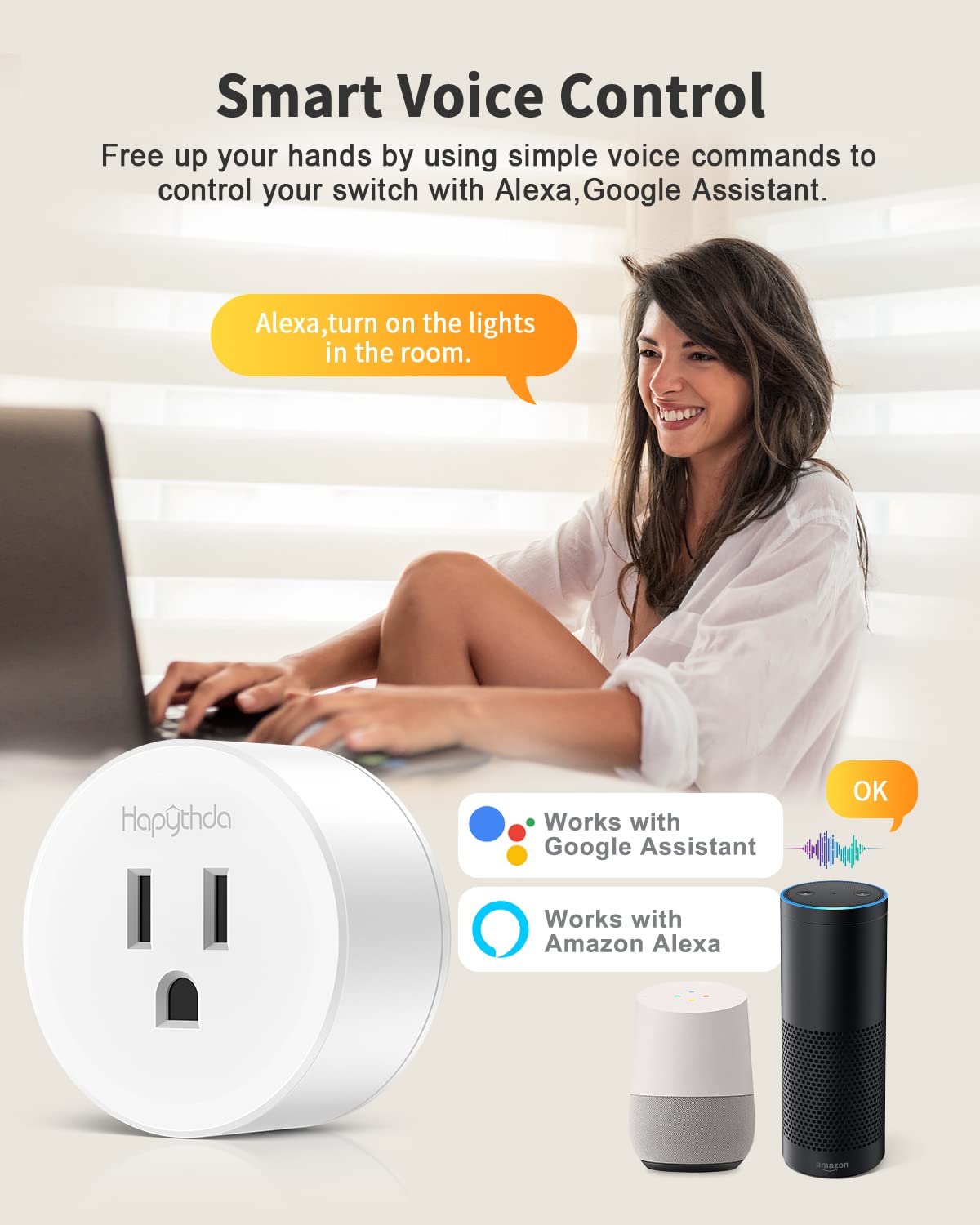
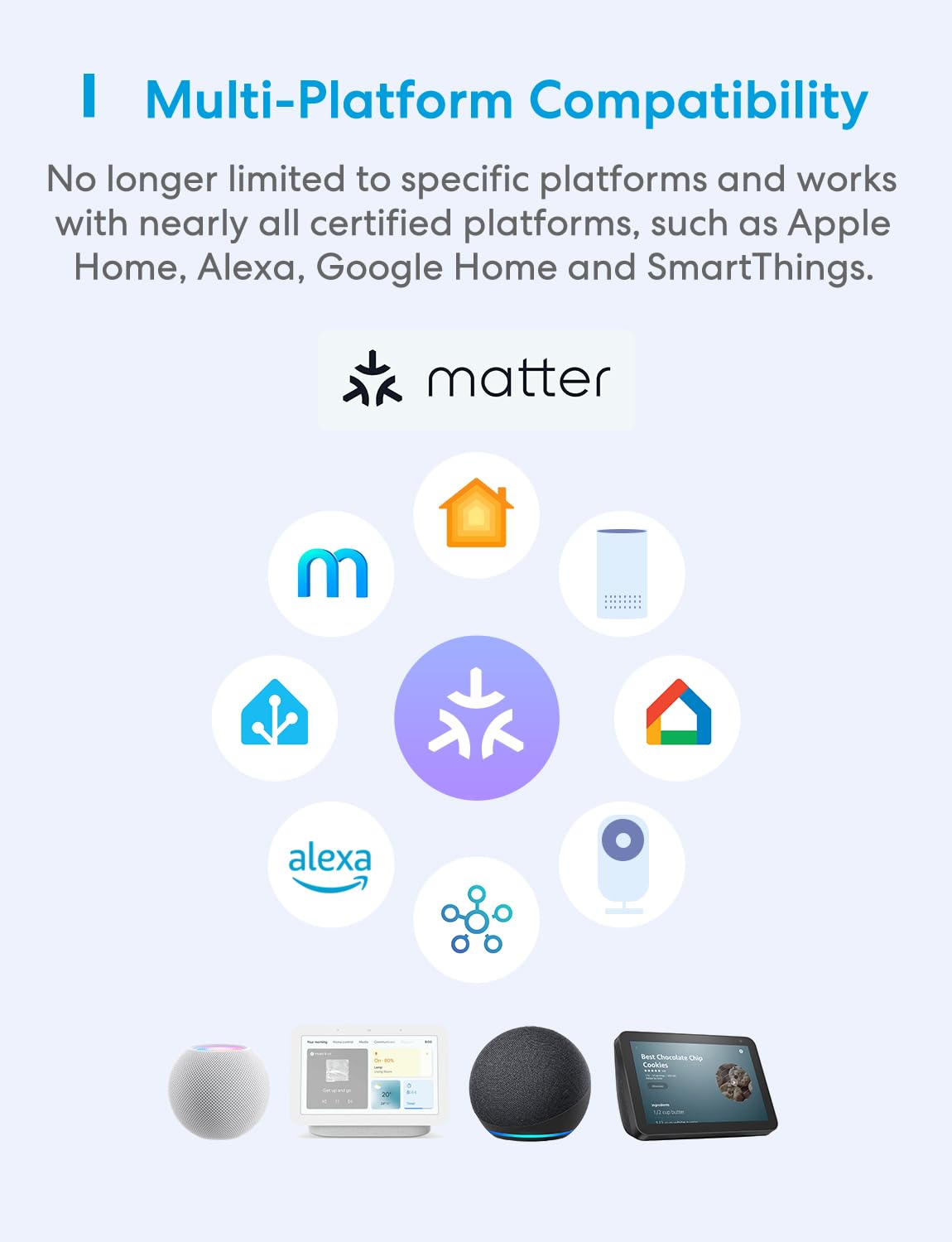
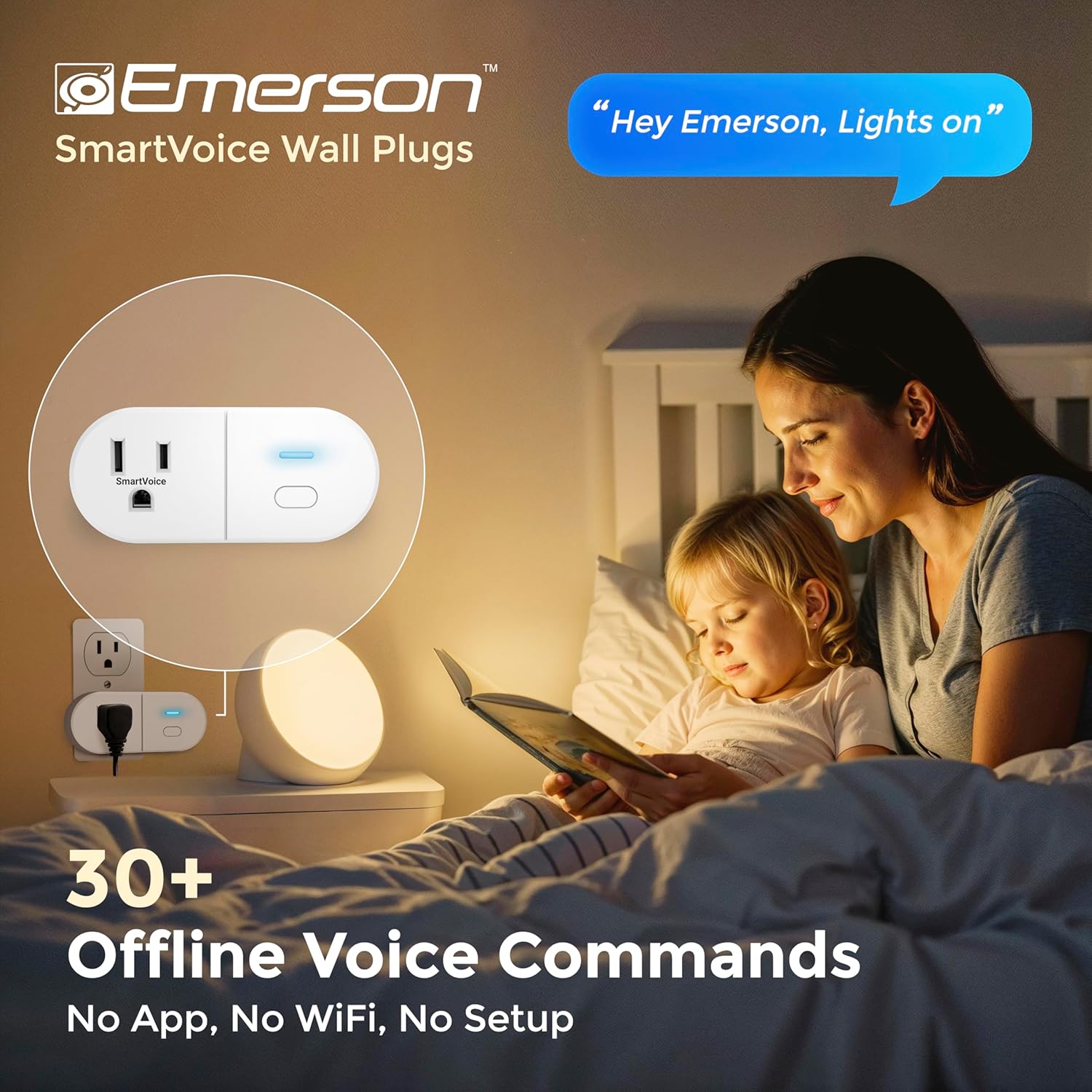
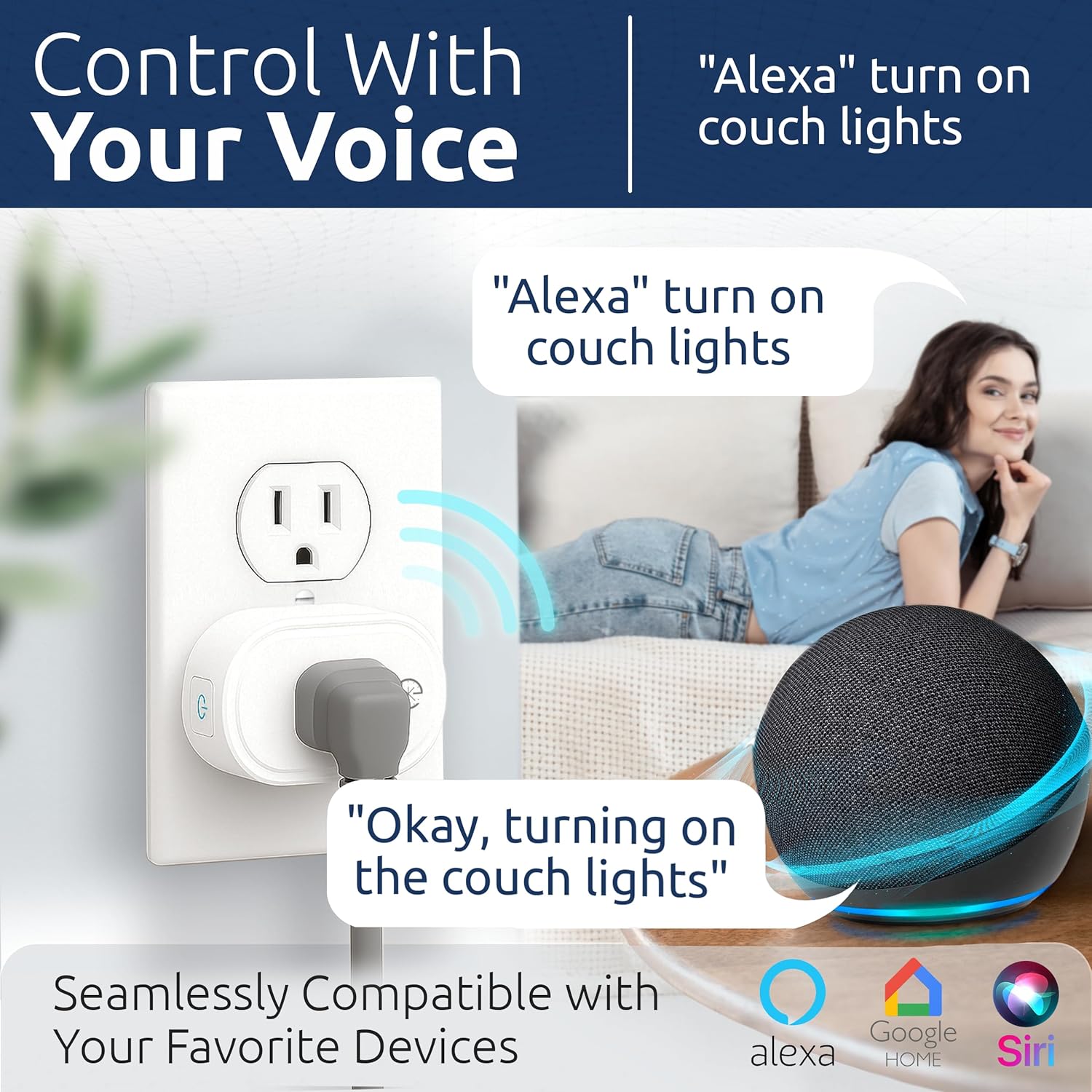
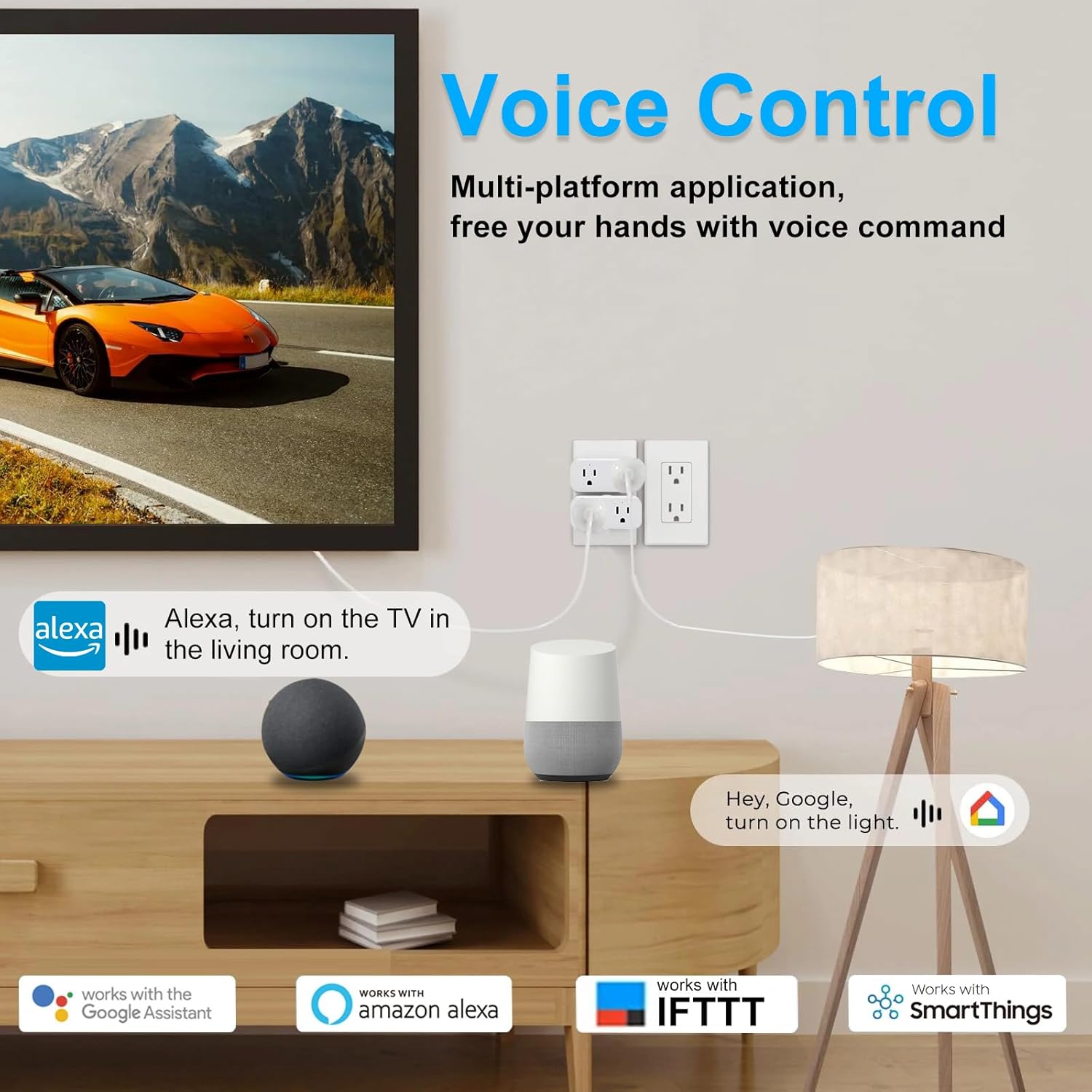
- Voice Control
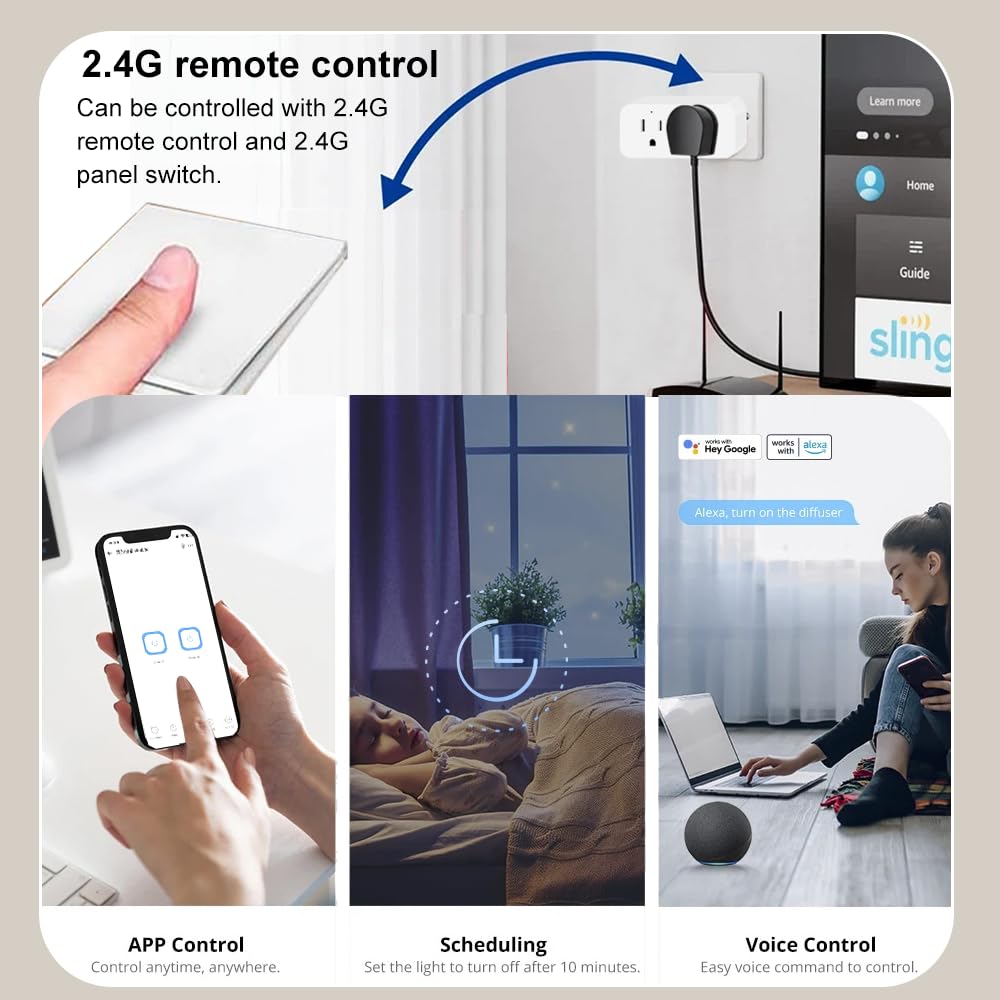
- 2.4GHZ Control
- Device Sharing
- Group Control

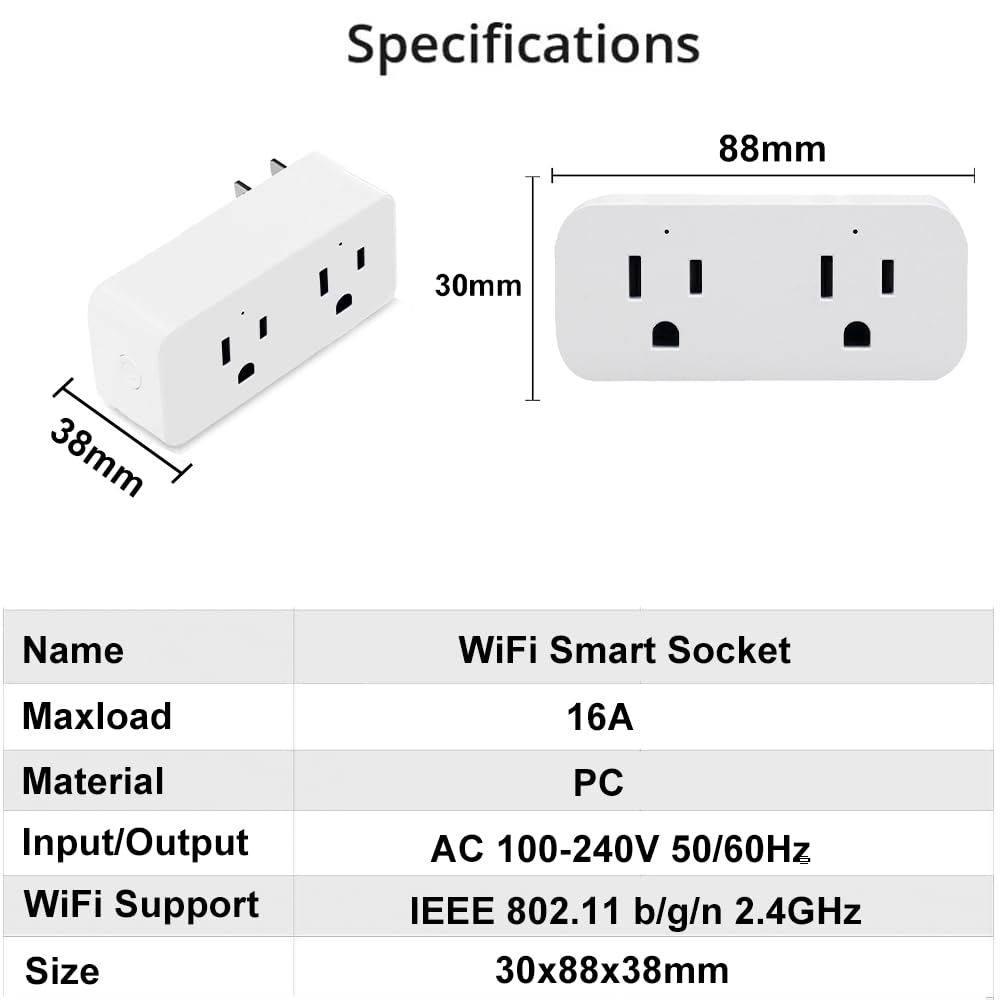
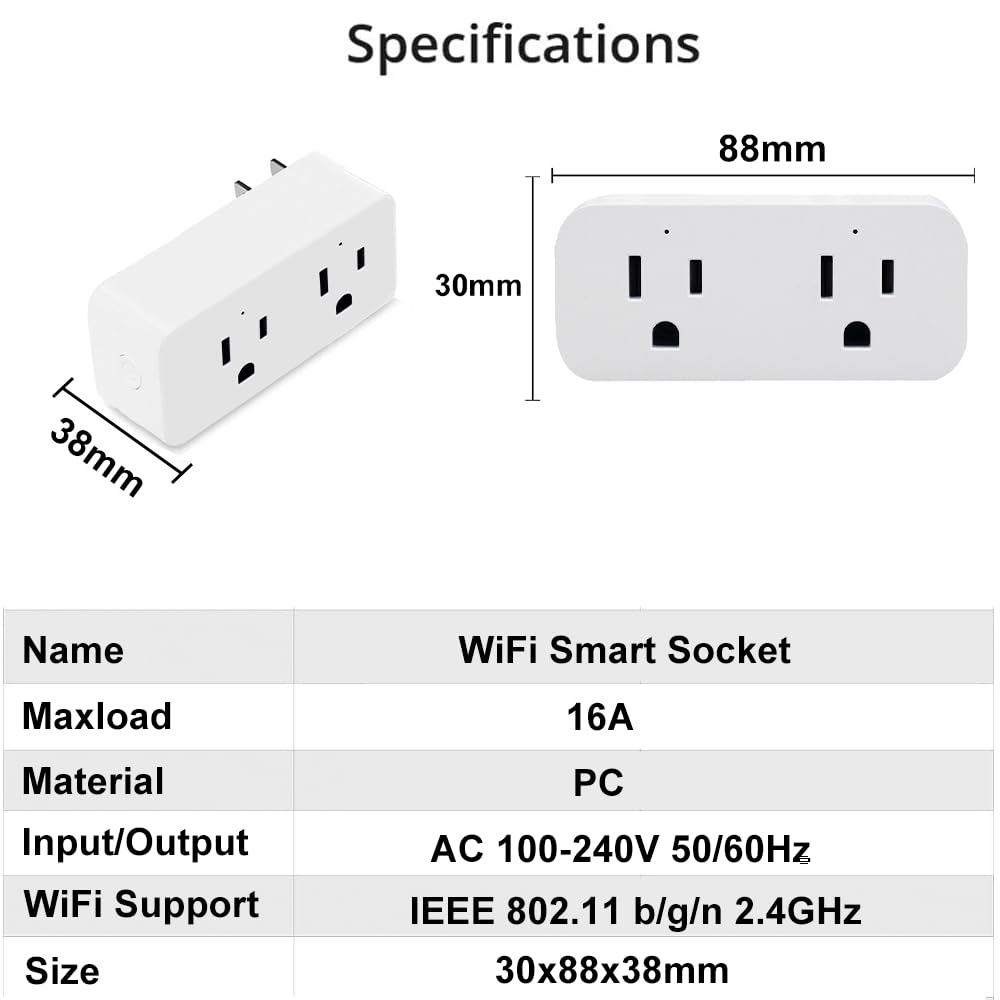
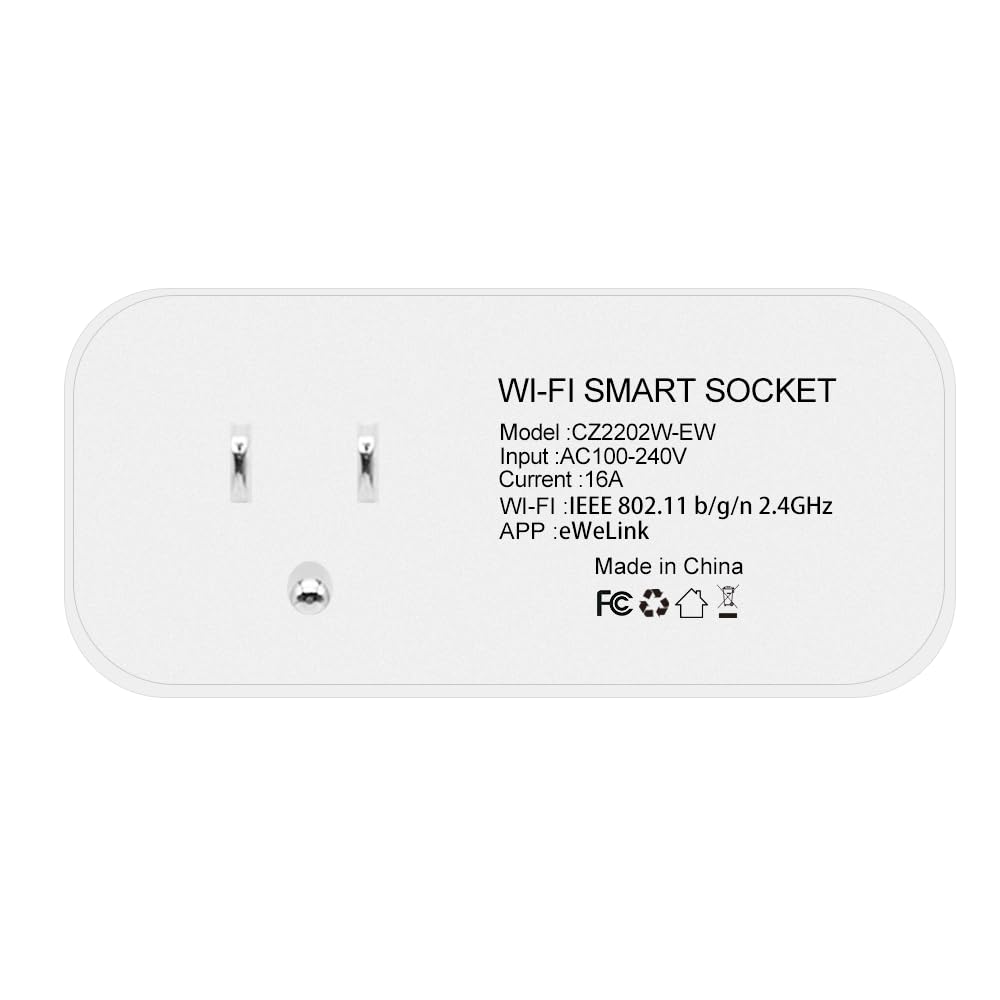
Name : WIFI Smart Socket Plug
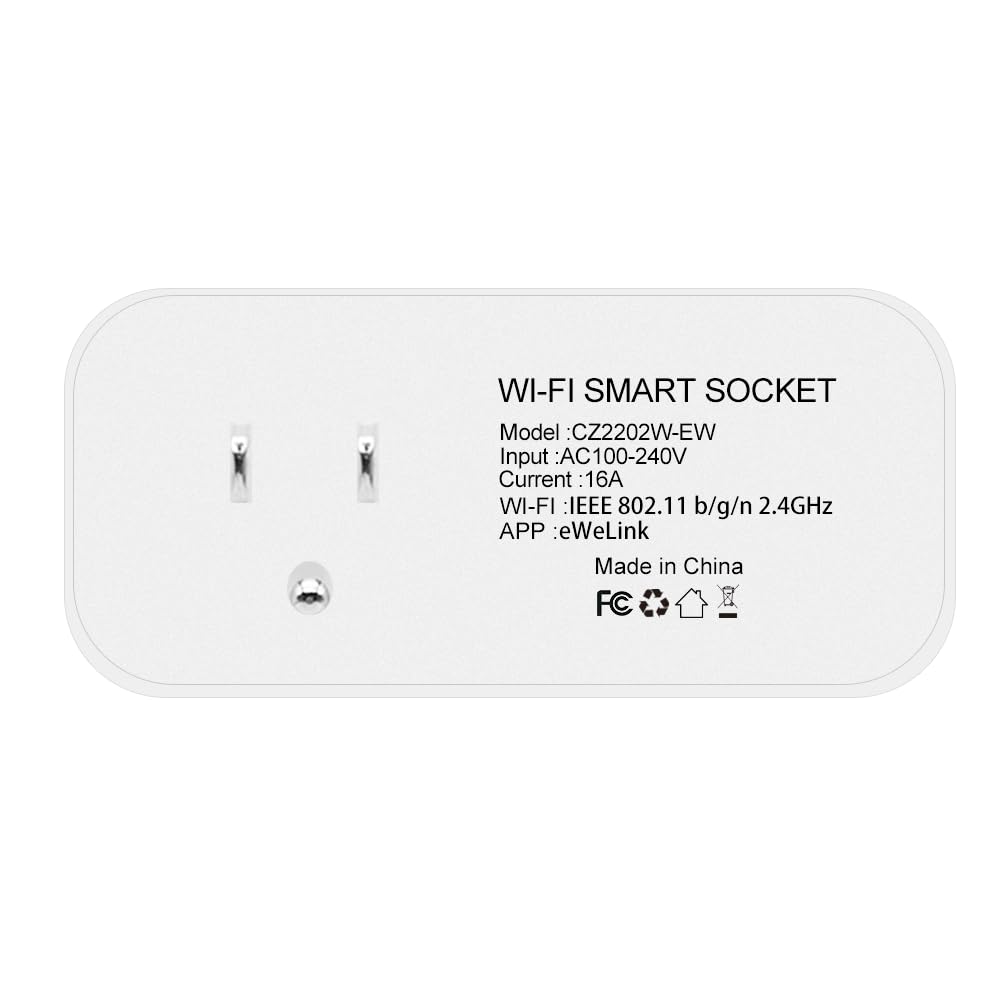
Model : CZ2202W-EW
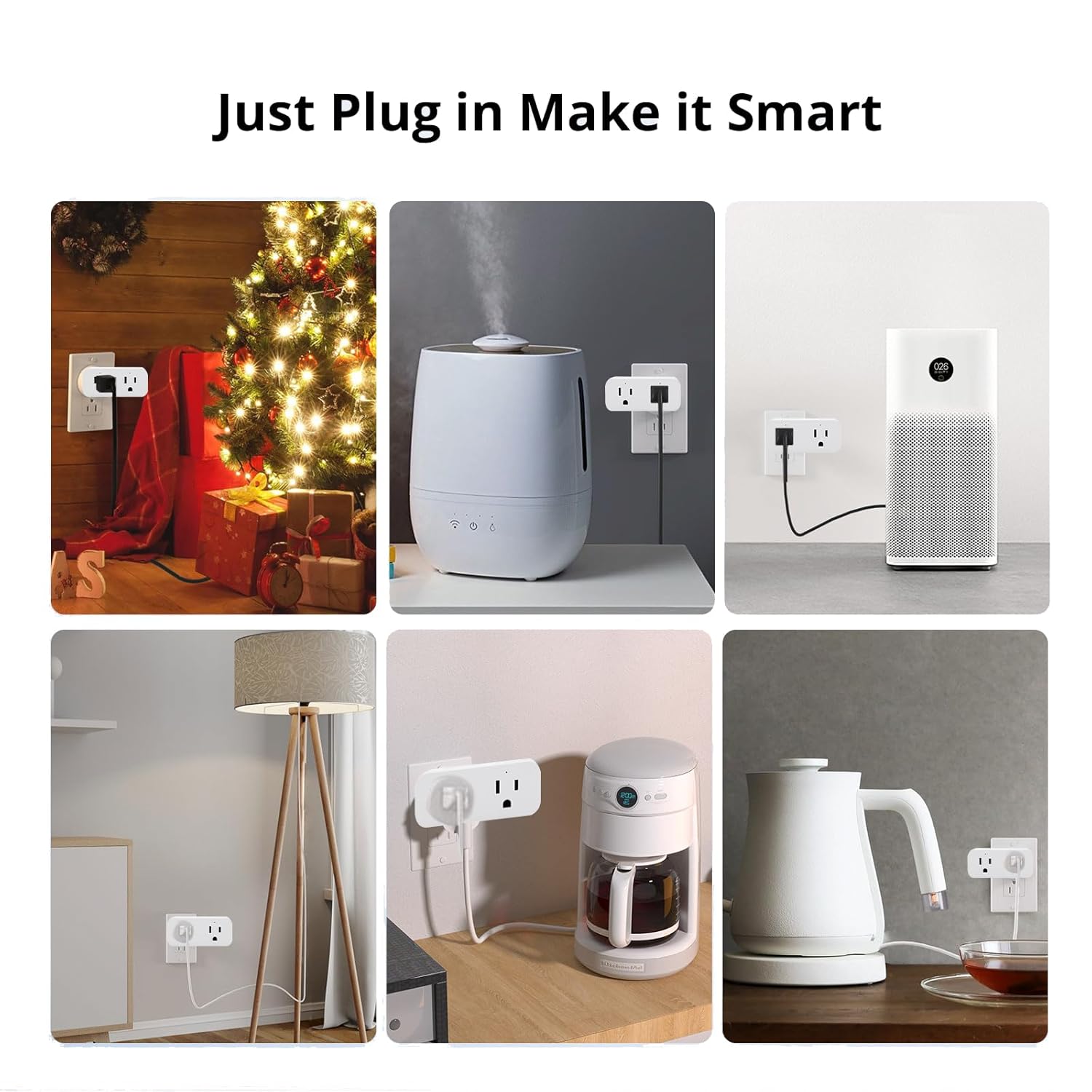
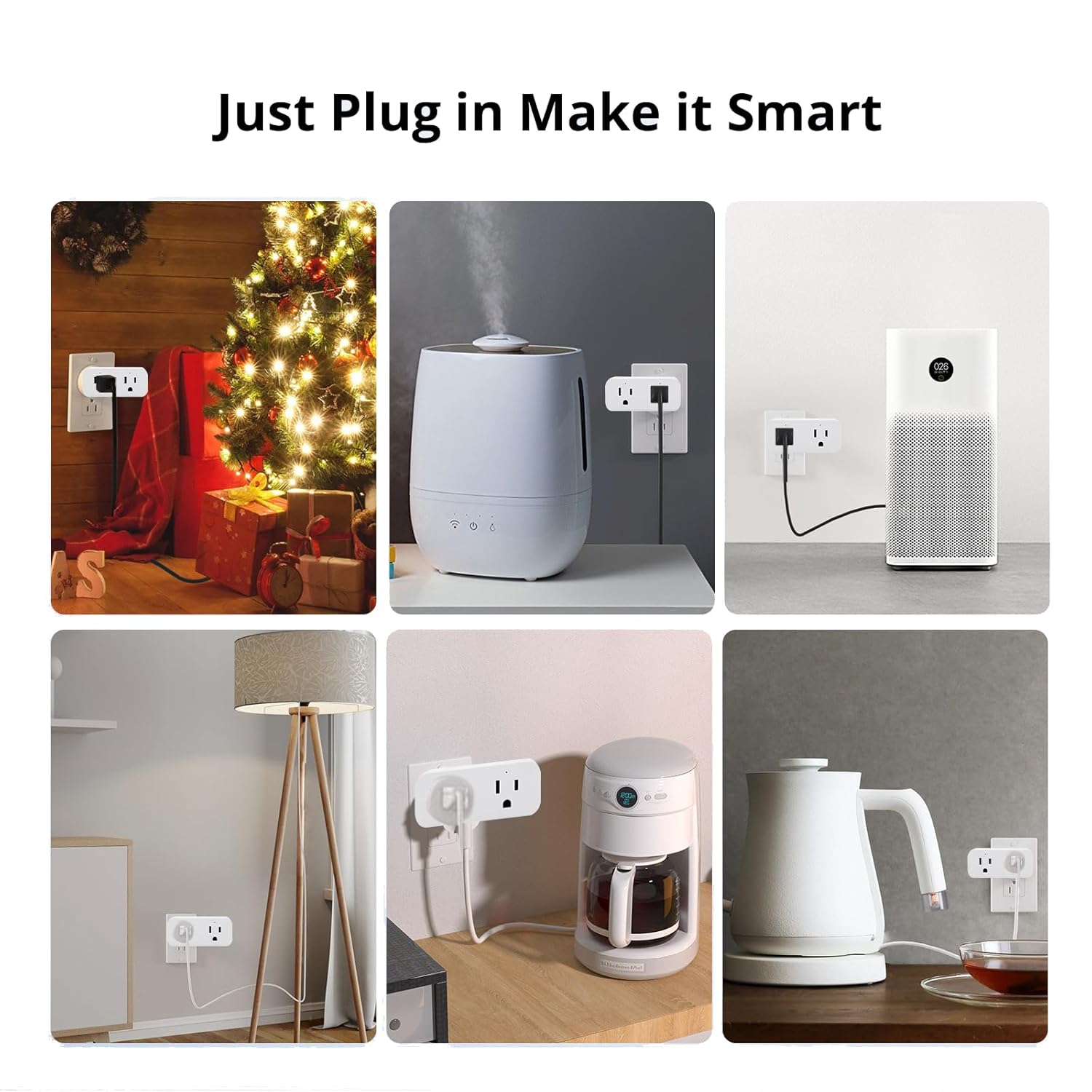
With the Smart Plug, any traditional appliance with a plug can instantly become a smart appliance.
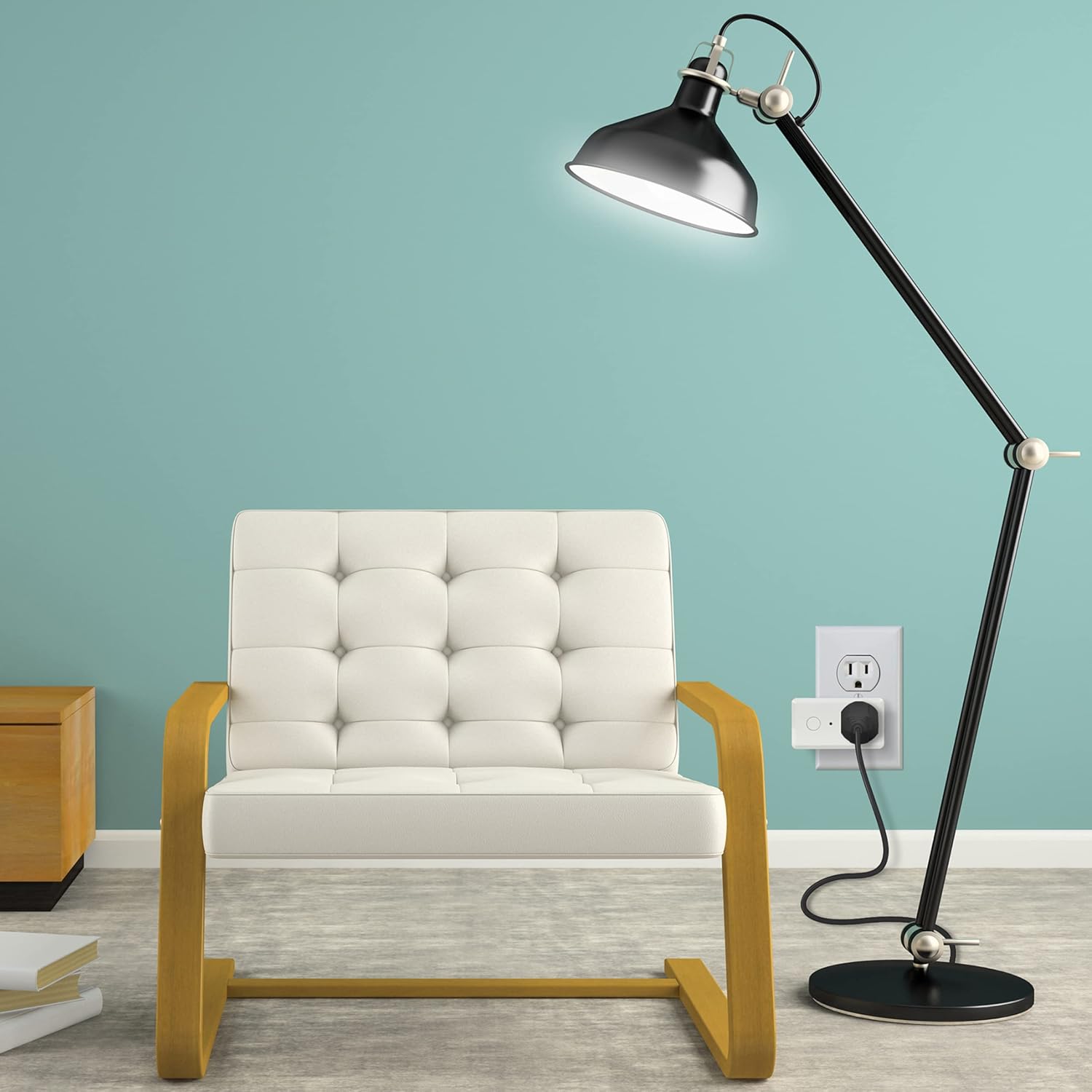
Appliances that are plugged into allowable currents (up to 2000 watts/16 amps) such as fans, humidifiers, Christmas tree light strings, lamps, coffee makers, tea makers, etc. can be controlled from the app.
Other parameters
Input : AC 100~240V
Maximum load: ≤2000W
Rated Current: 16A Max
Working Temperature : -20℃~60℃
Standby Power : ≤1W
Size: 30 * 88 *38 mm
Wifi Support : IEEE 802.11 b/g/n 2.4GHz
Material : PC
APP : Ewelink
Supported voice platforms
- Google Assistant
- Amazon Alexa
- IFTTT
- SmartThings

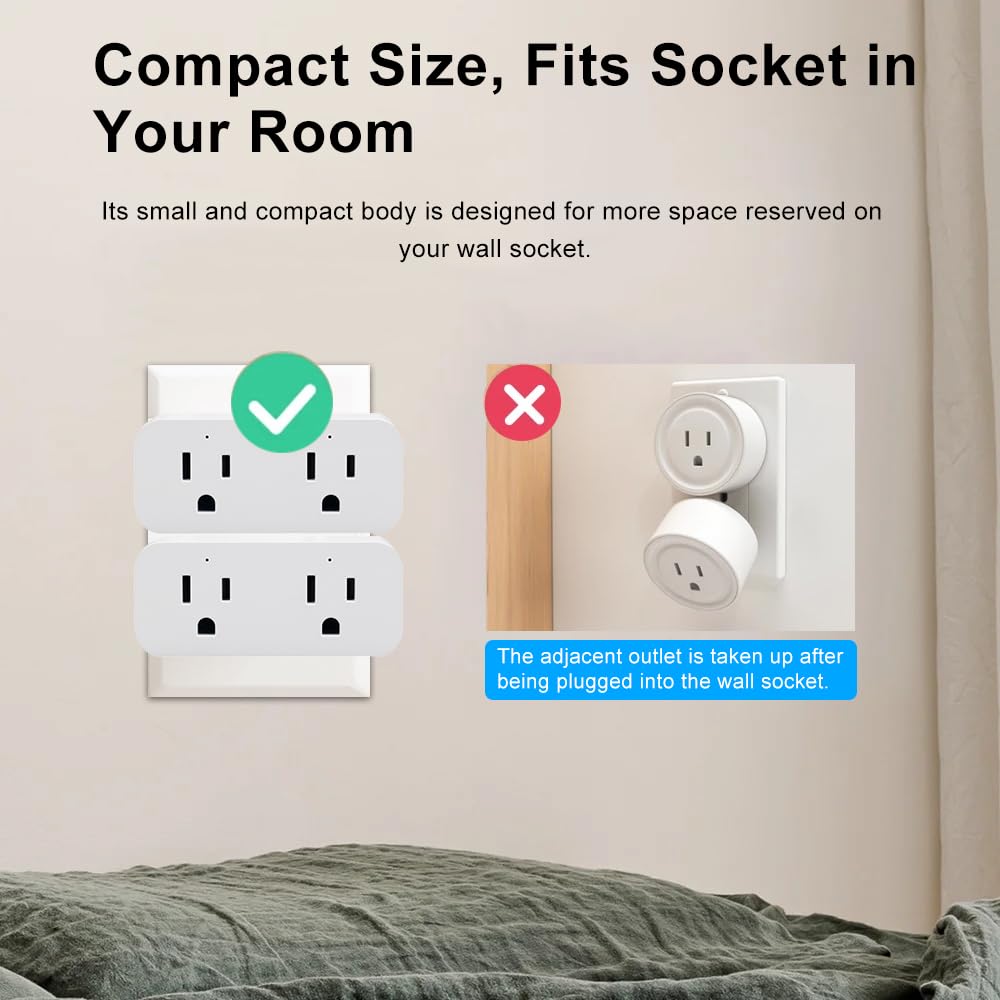
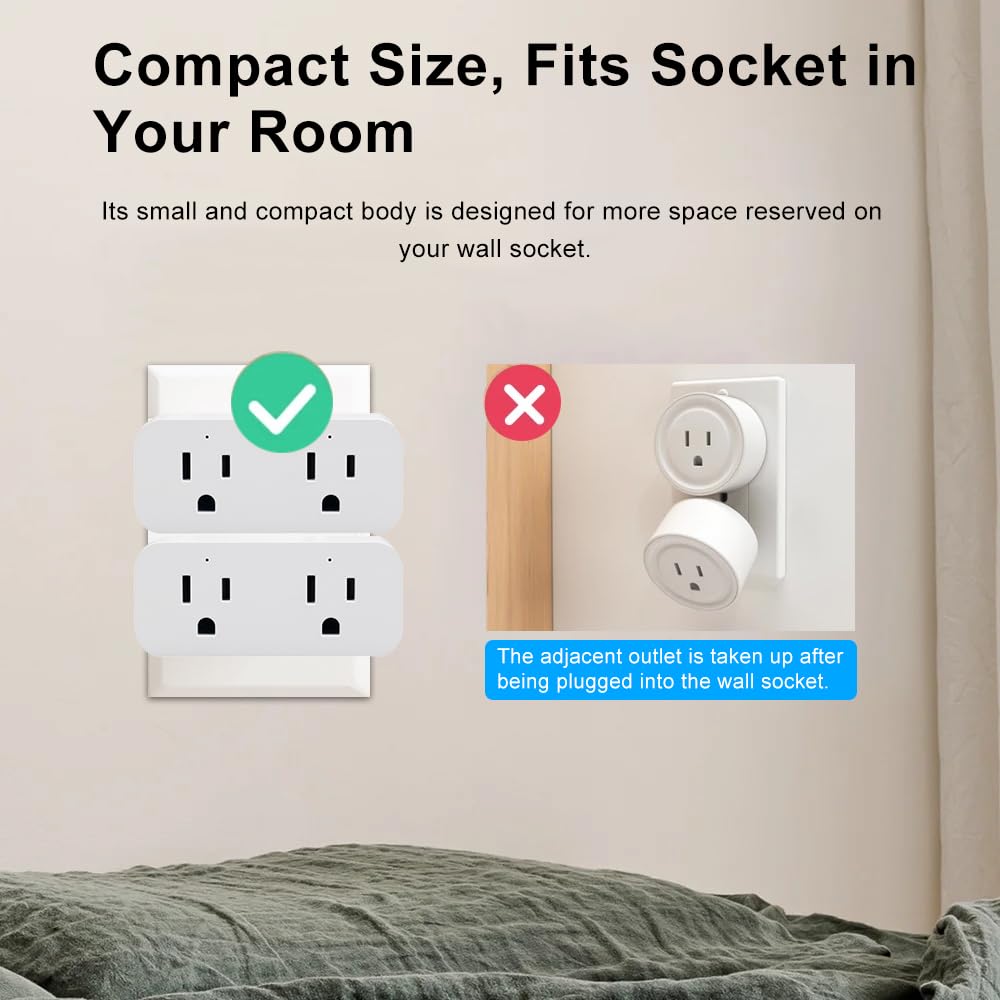
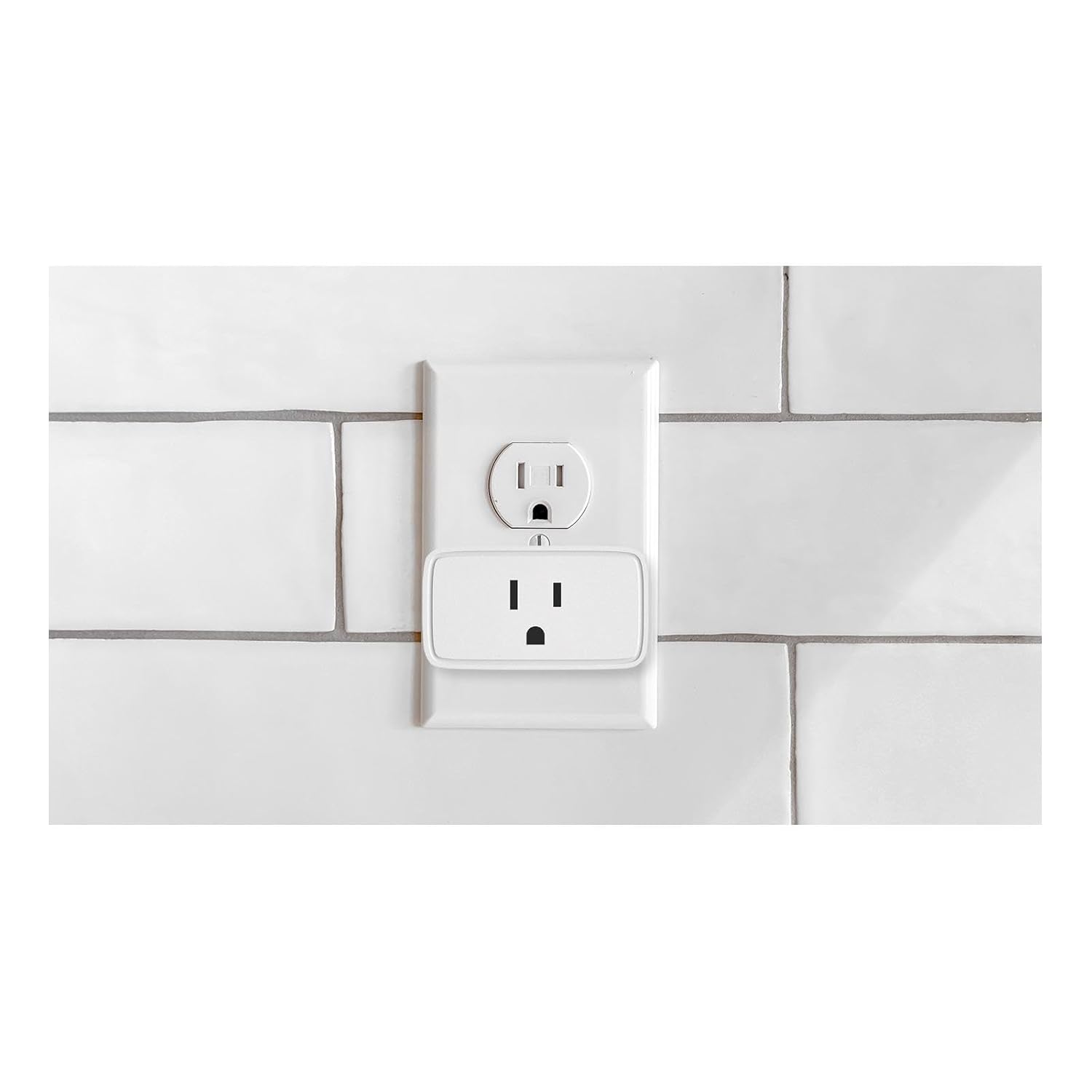
Compact Size,Fits Socket in Your Room
lts small and compact body is designed for more space reserved on your wall socket.

Simply open the Ewelink APP and take full control anytime, anywhere!
Forget to turn something off when you leave the house?
You can turn on/off connected devices wherever you are at any time through your smart phone.
– Make it work the way you want it to
For example, set the Quick Egg Cooker to start working at a specified time;
Or turning off your cell phone charger after 1.5 hours.

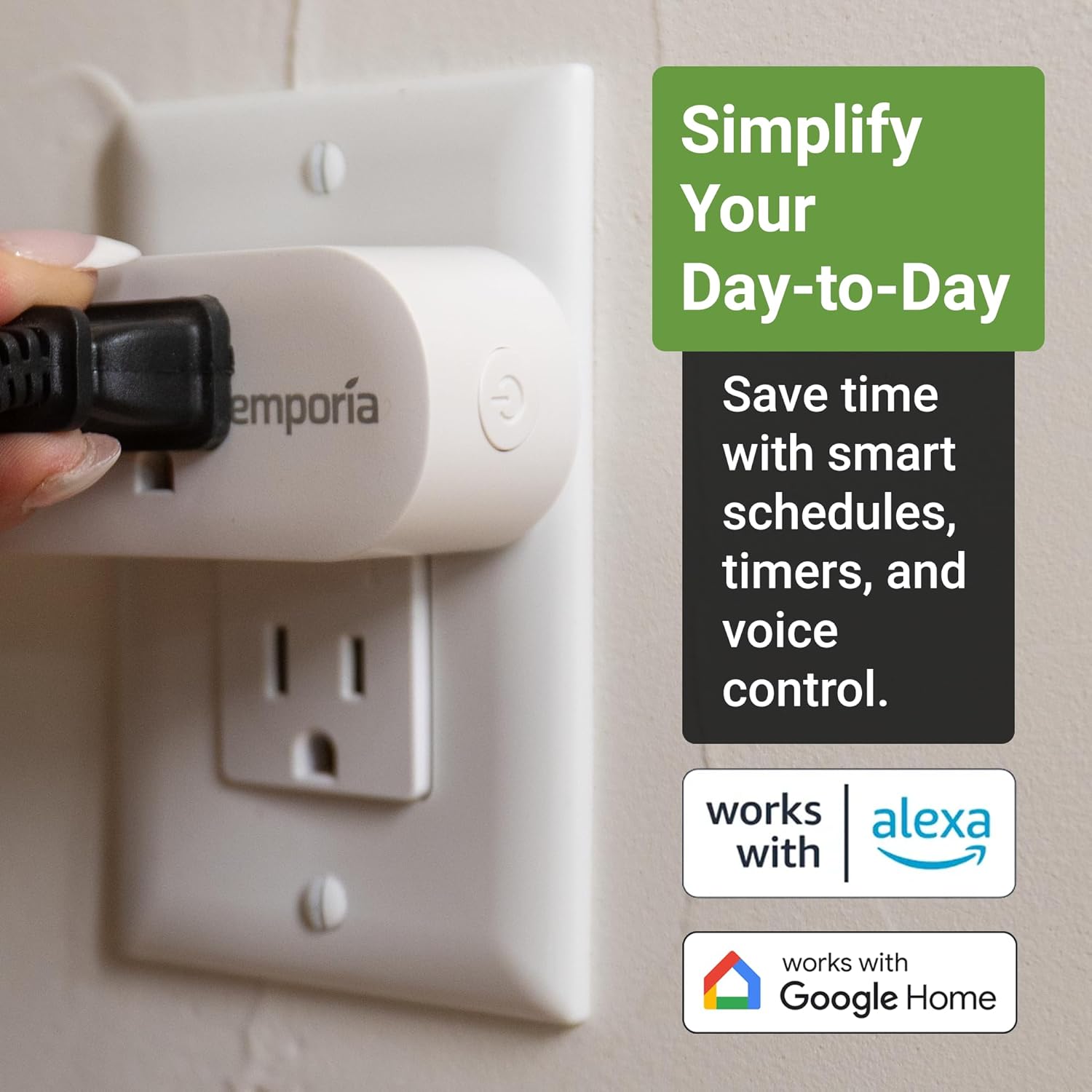
Voice Control
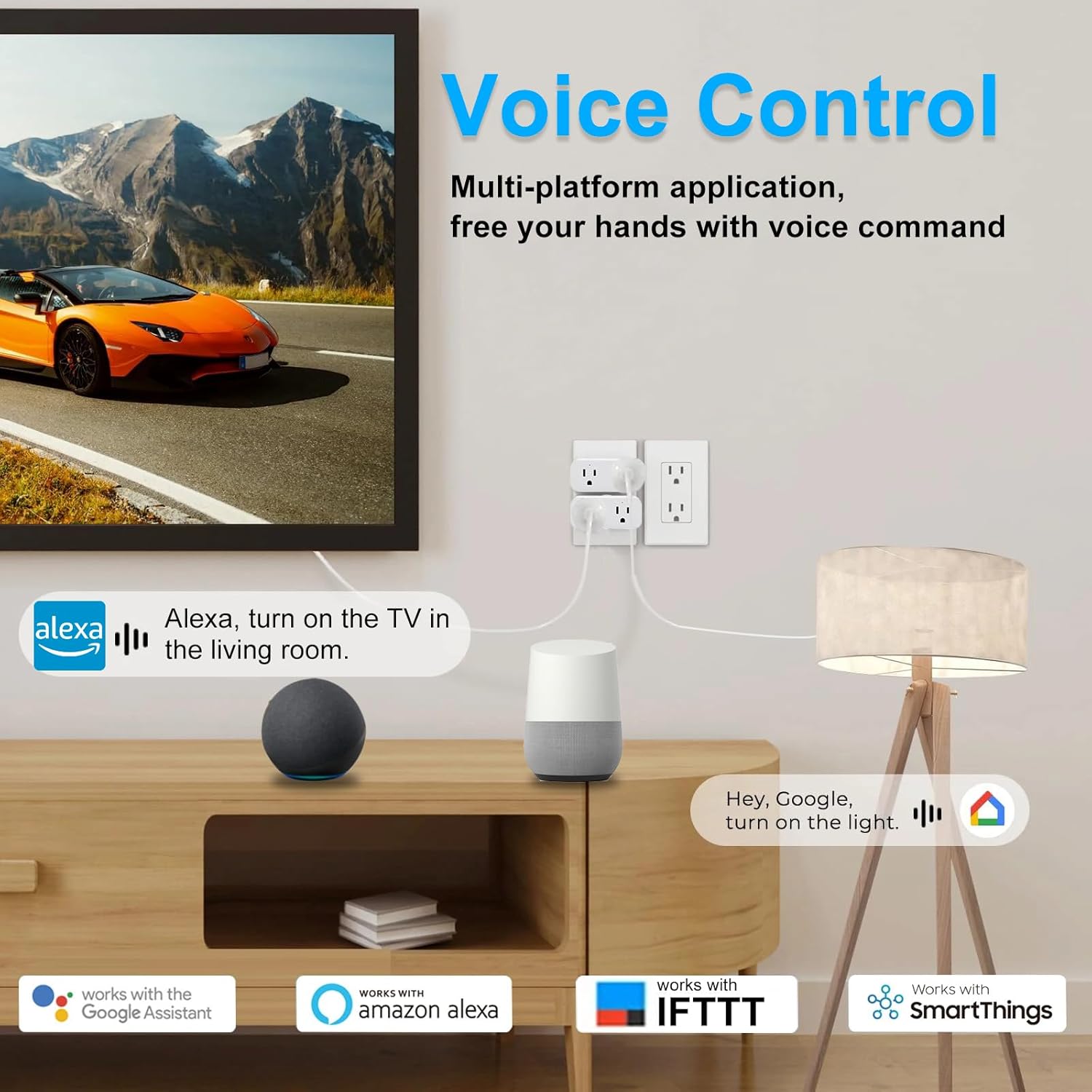
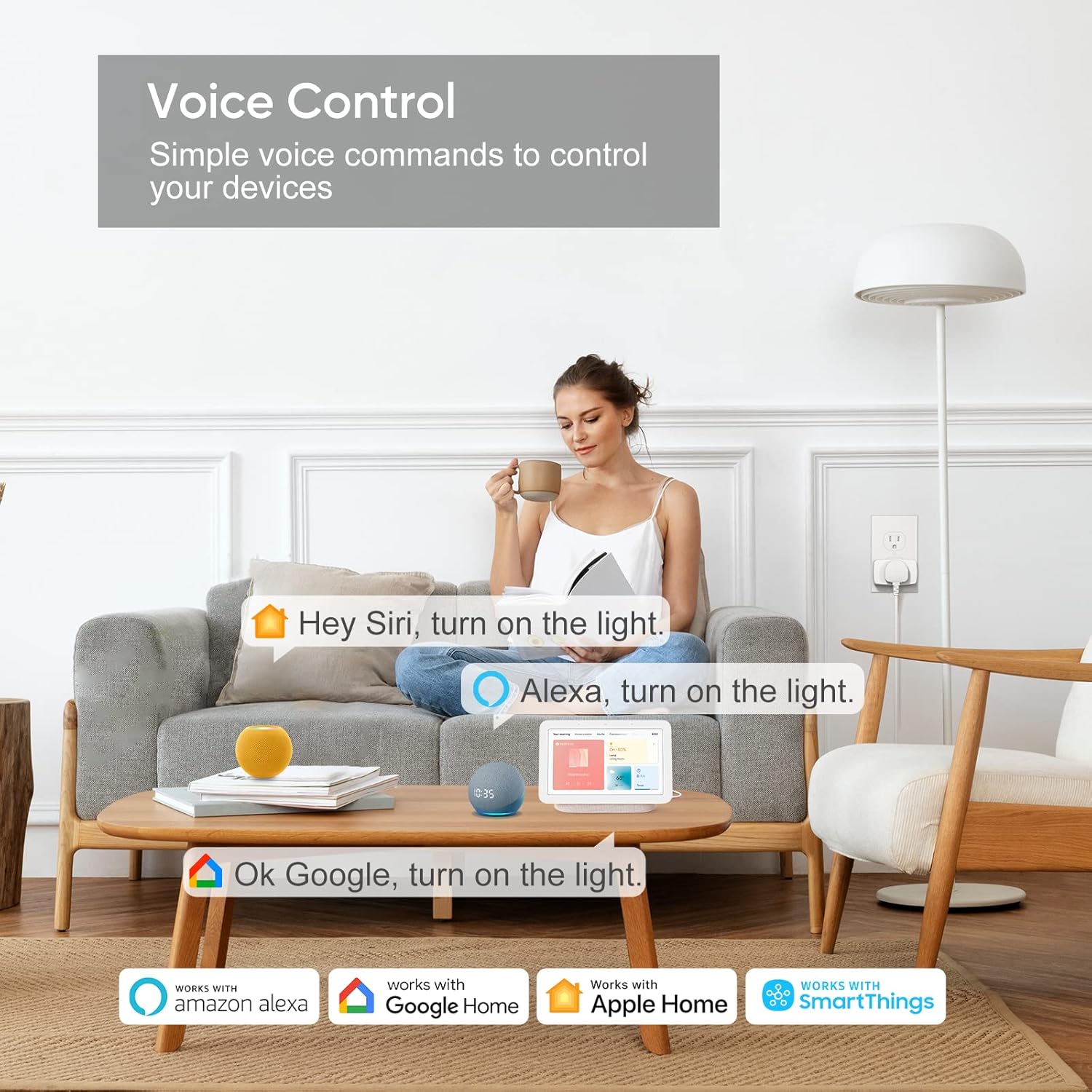
Suitable for voice control with Alexa and Smartthings and Google Assistant.

support 2.4GHZ Wireless Switch
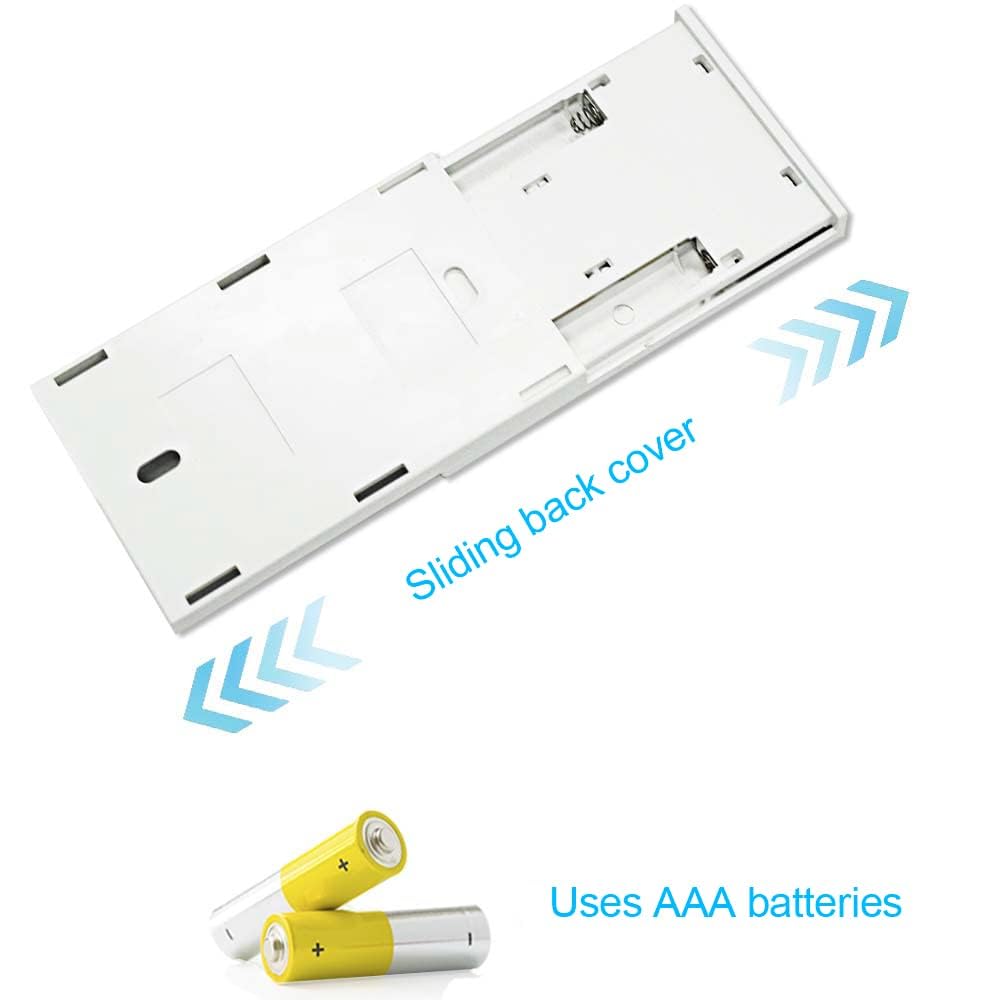
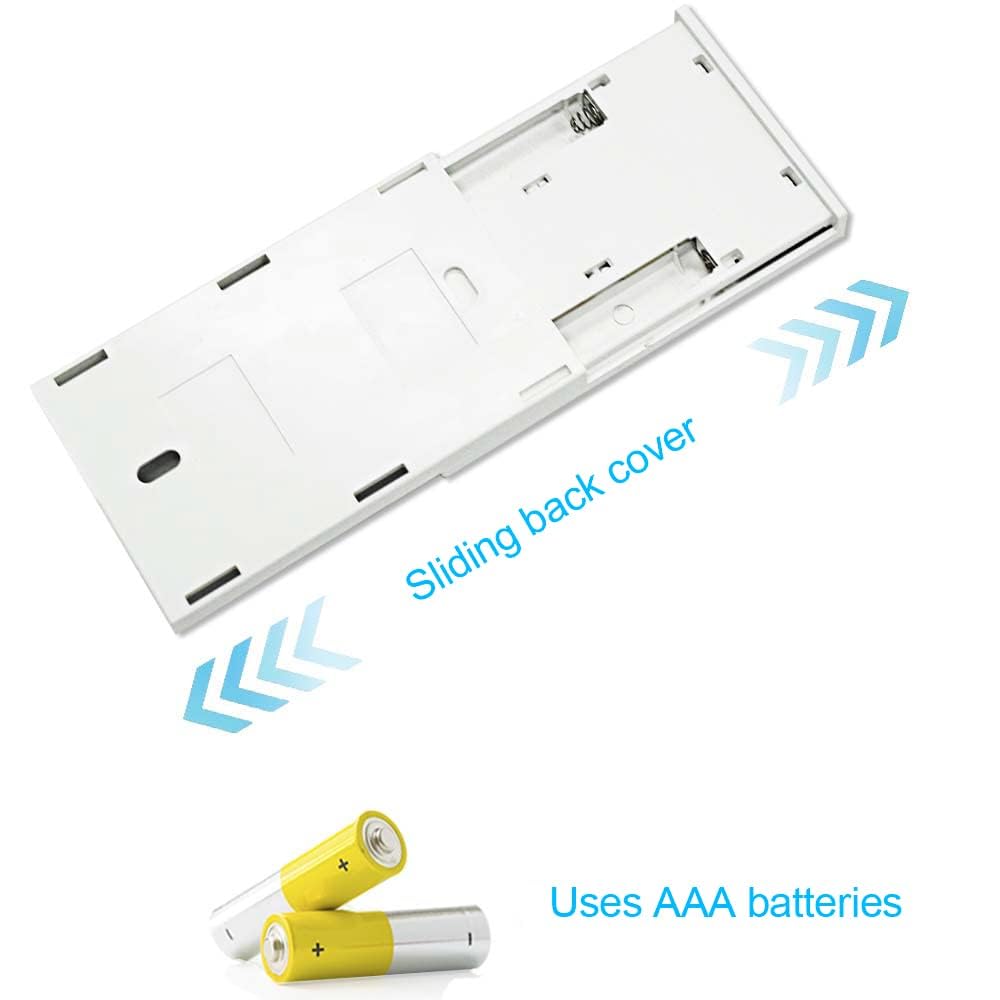
Please follow the instructions in the manual to add a 2.4GHz wireless switch to the Ewelink app. The wireless switch requires 2 AAA batteries and is not included in the package.

Network Configuration Instructions
1. Press and hold the side button until the indicator light flashes steadily.
2. Launch the eWeLink mobile application, navigate to the ‘Add Device’ interface, and follow the on-screen prompts to complete the pairing process.
Important WiFi Compatibility Notice
Supported Frequency Band: 2.4GHz WiFi only (5GHz band not supported).
Dual-Band Router Requirement: When using a dual-band router, the 2.4GHz WiFi signal must be configured separately to ensure successful device connection.
Be the first to review “Ewelink 16a WiFi Smart Plug, App Remote Control Timer Outlet Power Socket with 2.4Ghz Wireless Switch, 2-in-1 Compact Design, Compatible with Alexa,Google Home, SmartThings”
Related products
Product description
WIFI Smart Plug Socket 16A,use Ewelink APP, work with Google/Alexa/SmartThings
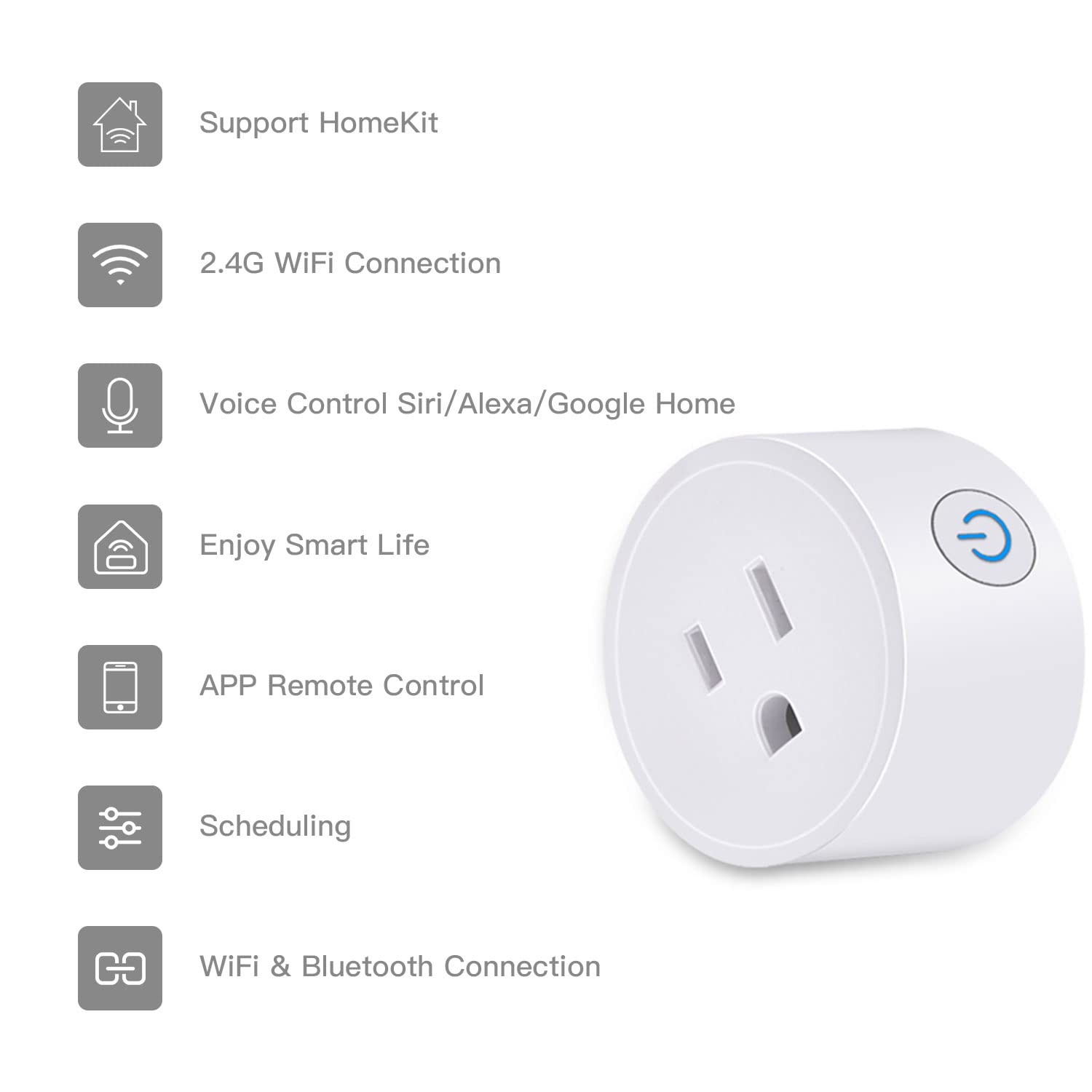
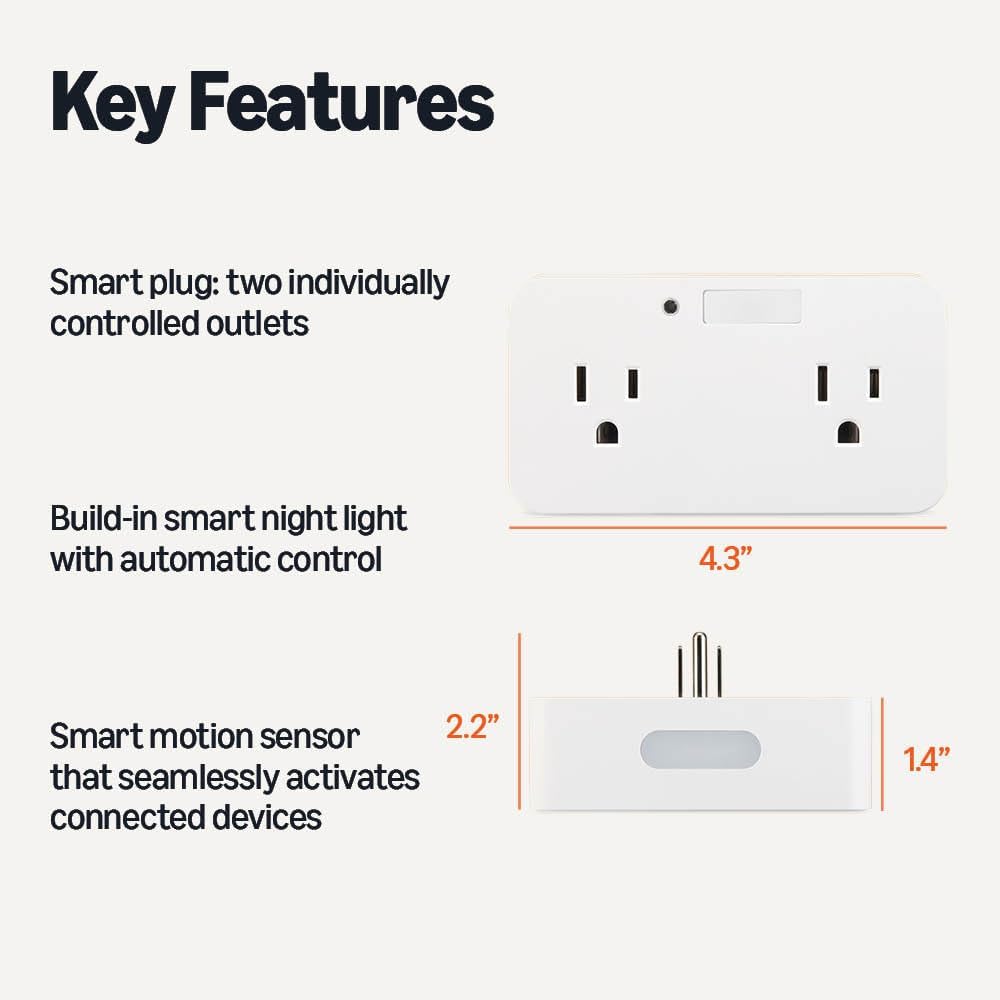
- Dual individual Control Socket
- WIFI Connect
- Timing Countdown
- Remote Control
- APP Control
- Voice Control
- 2.4GHZ Control
- Device Sharing
- Group Control
Name : WIFI Smart Socket Plug
Model : CZ2202W-EW
With the Smart Plug, any traditional appliance with a plug can instantly become a smart appliance.
Appliances that are plugged into allowable currents (up to 2000 watts/16 amps) such as fans, humidifiers, Christmas tree light strings, lamps, coffee makers, tea makers, etc. can be controlled from the app.
Other parameters
Input : AC 100~240V
Maximum load: ≤2000W
Rated Current: 16A Max
Working Temperature : -20℃~60℃
Standby Power : ≤1W
Size: 30 * 88 *38 mm
Wifi Support : IEEE 802.11 b/g/n 2.4GHz
Material : PC
APP : Ewelink
Supported voice platforms
- Google Assistant
- Amazon Alexa
- IFTTT
- SmartThings
Compact Size,Fits Socket in Your Room
lts small and compact body is designed for more space reserved on your wall socket.
Simply open the Ewelink APP and take full control anytime, anywhere!
Forget to turn something off when you leave the house?
You can turn on/off connected devices wherever you are at any time through your smart phone.
– Make it work the way you want it to
For example, set the Quick Egg Cooker to start working at a specified time;
Or turning off your cell phone charger after 1.5 hours.
Voice Control
Suitable for voice control with Alexa and Smartthings and Google Assistant.
support 2.4GHZ Wireless Switch
Please follow the instructions in the manual to add a 2.4GHz wireless switch to the Ewelink app. The wireless switch requires 2 AAA batteries and is not included in the package.
Network Configuration Instructions
1. Press and hold the side button until the indicator light flashes steadily.
2. Launch the eWeLink mobile application, navigate to the ‘Add Device’ interface, and follow the on-screen prompts to complete the pairing process.
Important WiFi Compatibility Notice
Supported Frequency Band: 2.4GHz WiFi only (5GHz band not supported).
Dual-Band Router Requirement: When using a dual-band router, the 2.4GHz WiFi signal must be configured separately to ensure successful device connection.
Reviews
There are no reviews yet.
Be the first to review “Ewelink 16a WiFi Smart Plug, App Remote Control Timer Outlet Power Socket with 2.4Ghz Wireless Switch, 2-in-1 Compact Design, Compatible with Alexa,Google Home, SmartThings”
Related products

Reviews
There are no reviews yet.