Product description
PLEASE READ BEFORE PURCHASE
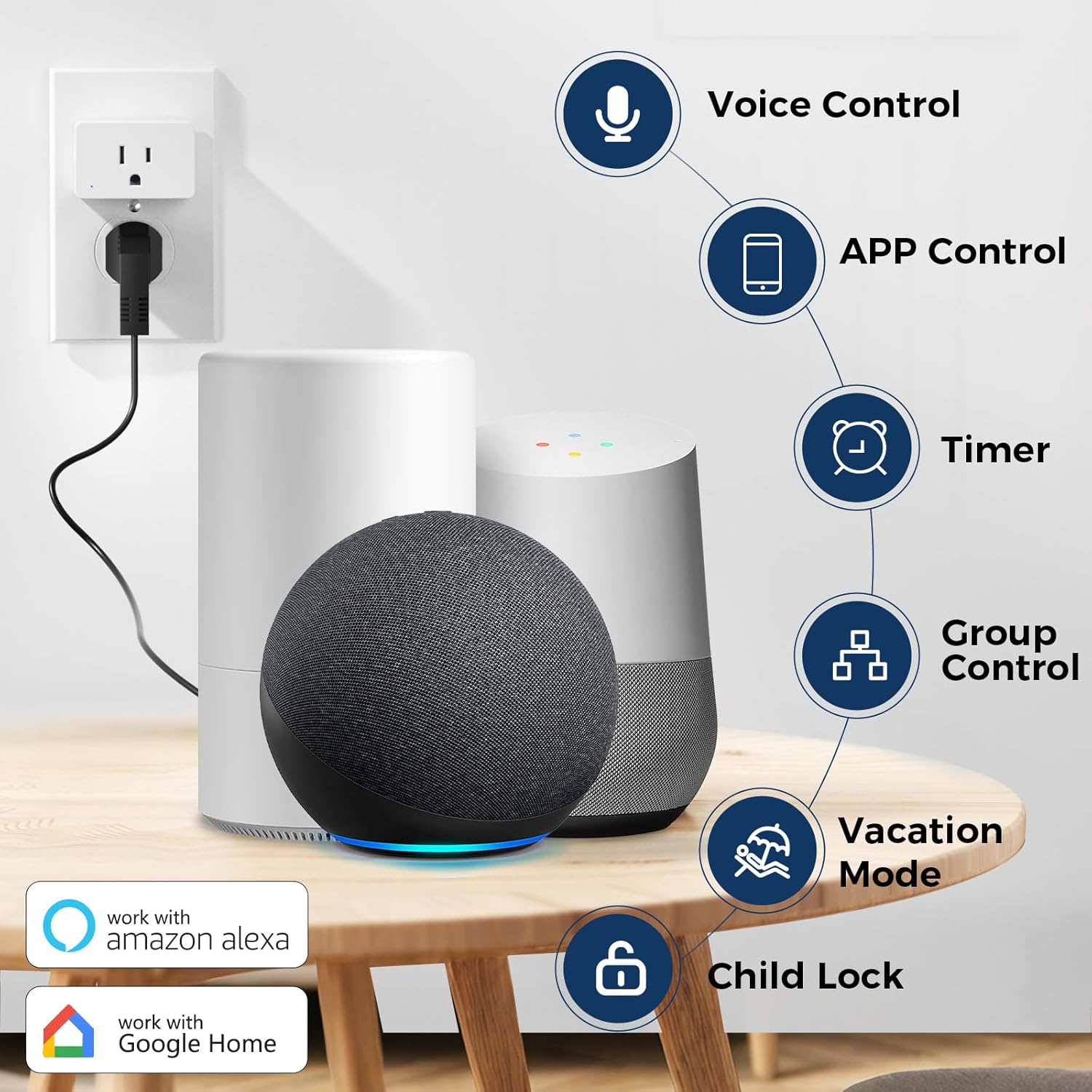
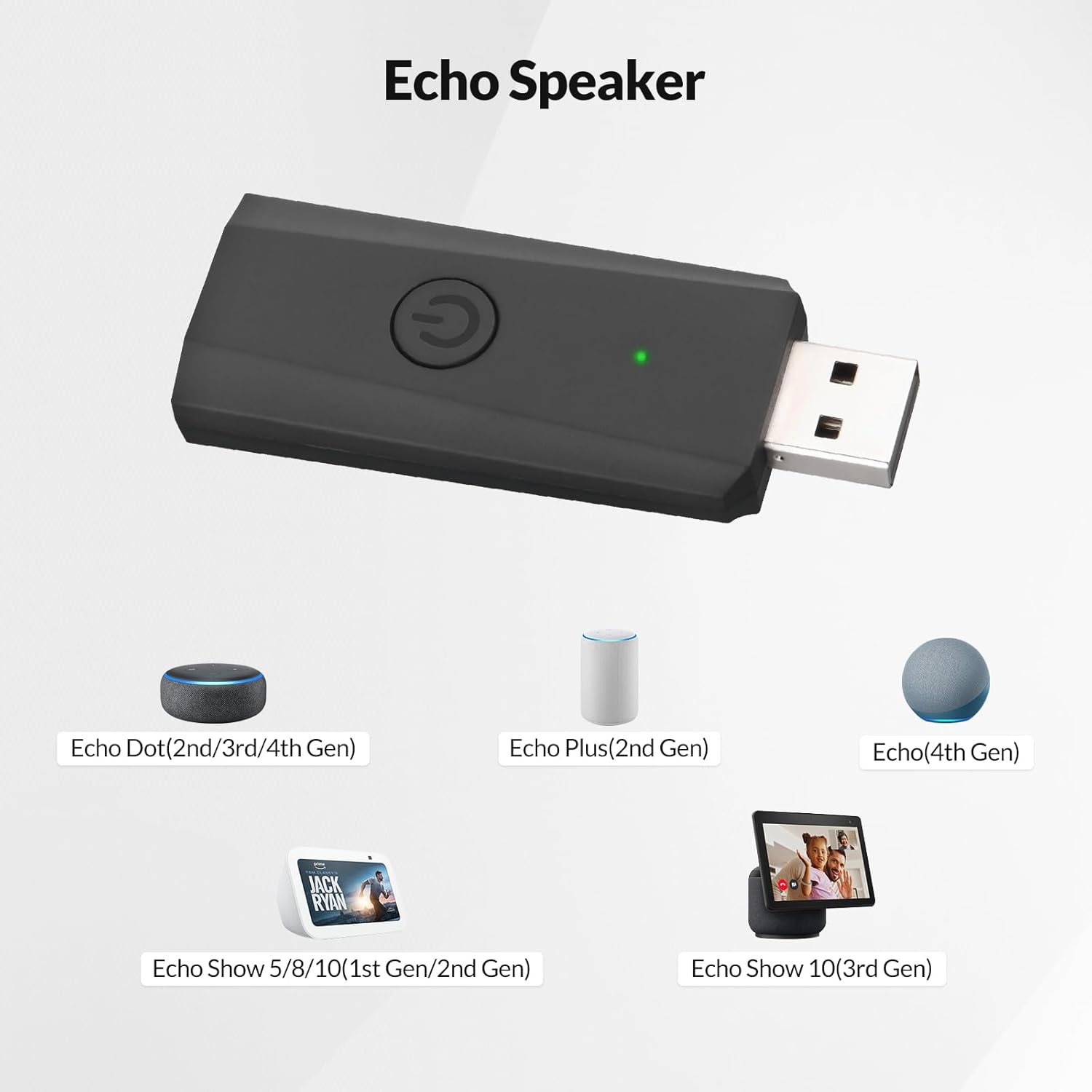
1. If you have an Amazon Echo speaker, you can add a smart switch through the Alexa app, and then wake up the speaker through the app and voice commands to control the smart switch. If you do not have any devices equipped with Alexa intelligent assistant. You can consider this device as a simple mechanical switch.
2. Additionally, if this product does not work, please provide us with your device model. If our product is upgraded, we will invite you to experience our new product.
How to add USB Power Switch to Alexa APP
- Turn on Alexa APP
- DEVICES + (top right)
- Add device
- Plug
- other
- Bluetooth (make sure light is flashing on plug (hold on/off button for 5 seconds)
- Discover devices
- The app found the plug and you can rename and set up your routines for it
How to Control USB Power Switch
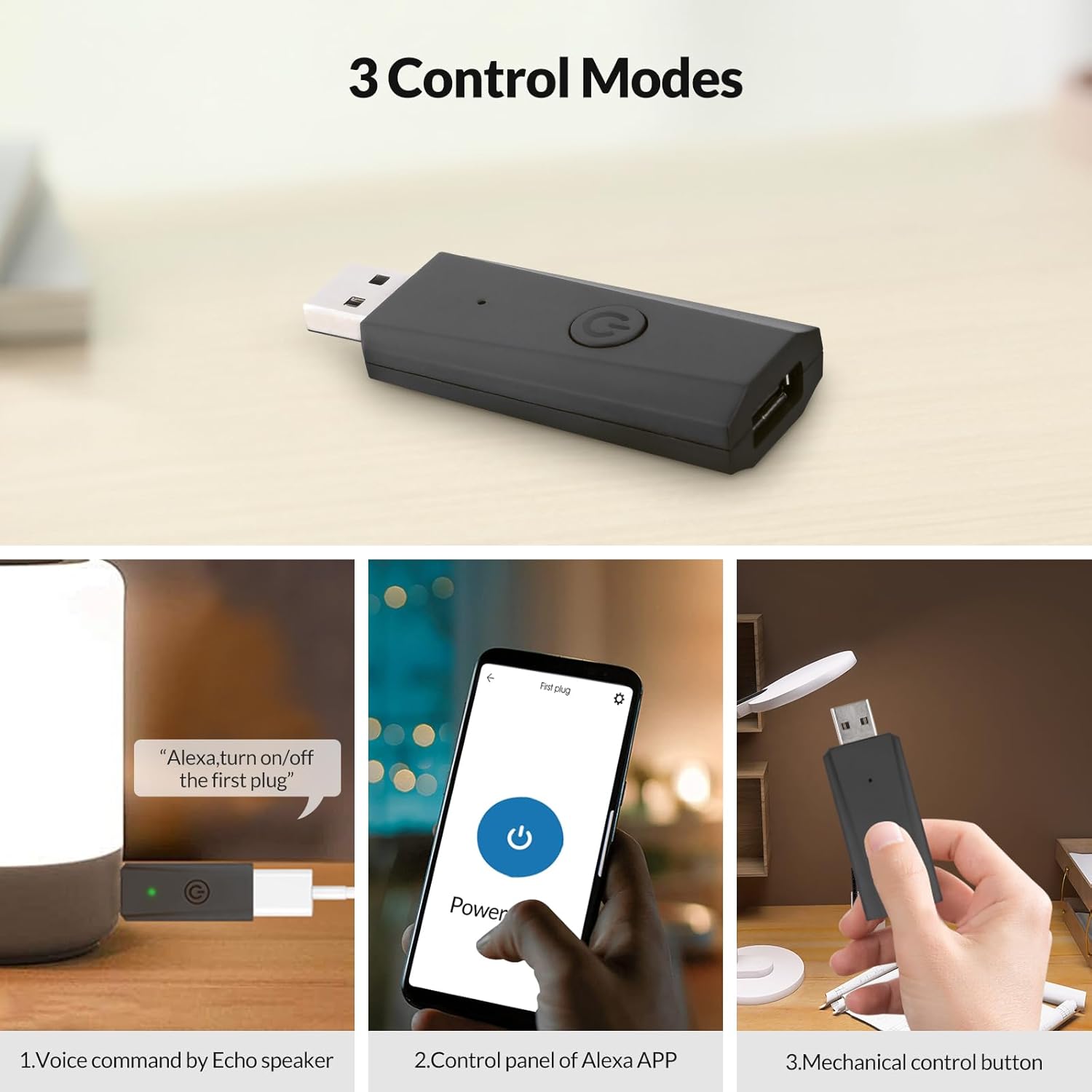
- voice command by Echo speaker:“Alexa, turn on the first plug”;“Alexa, turn off the first plug”
- control panel of Alexa APP:View the device page of the app, click on all devices, and then click on the device you want to control to enter the device control panel.
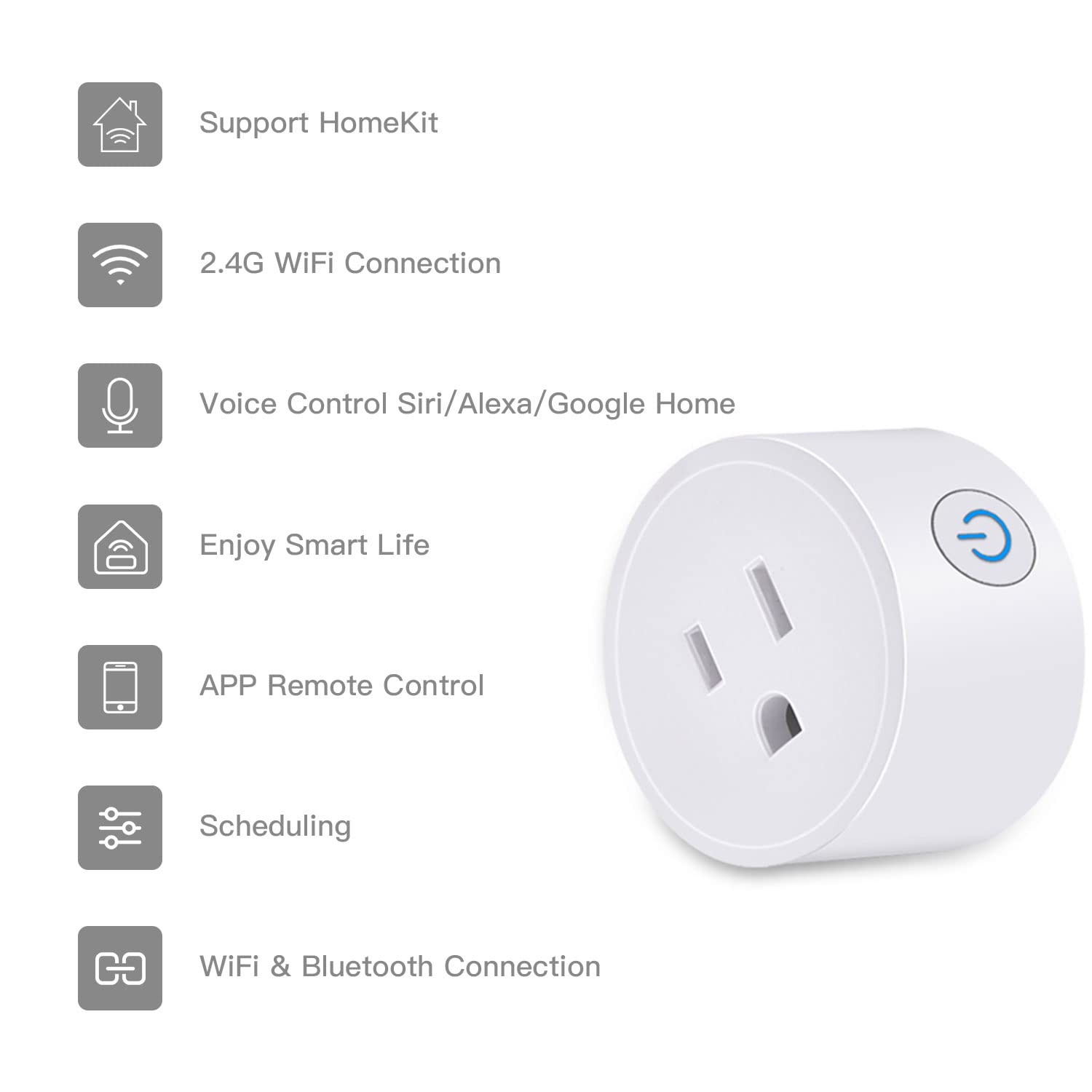
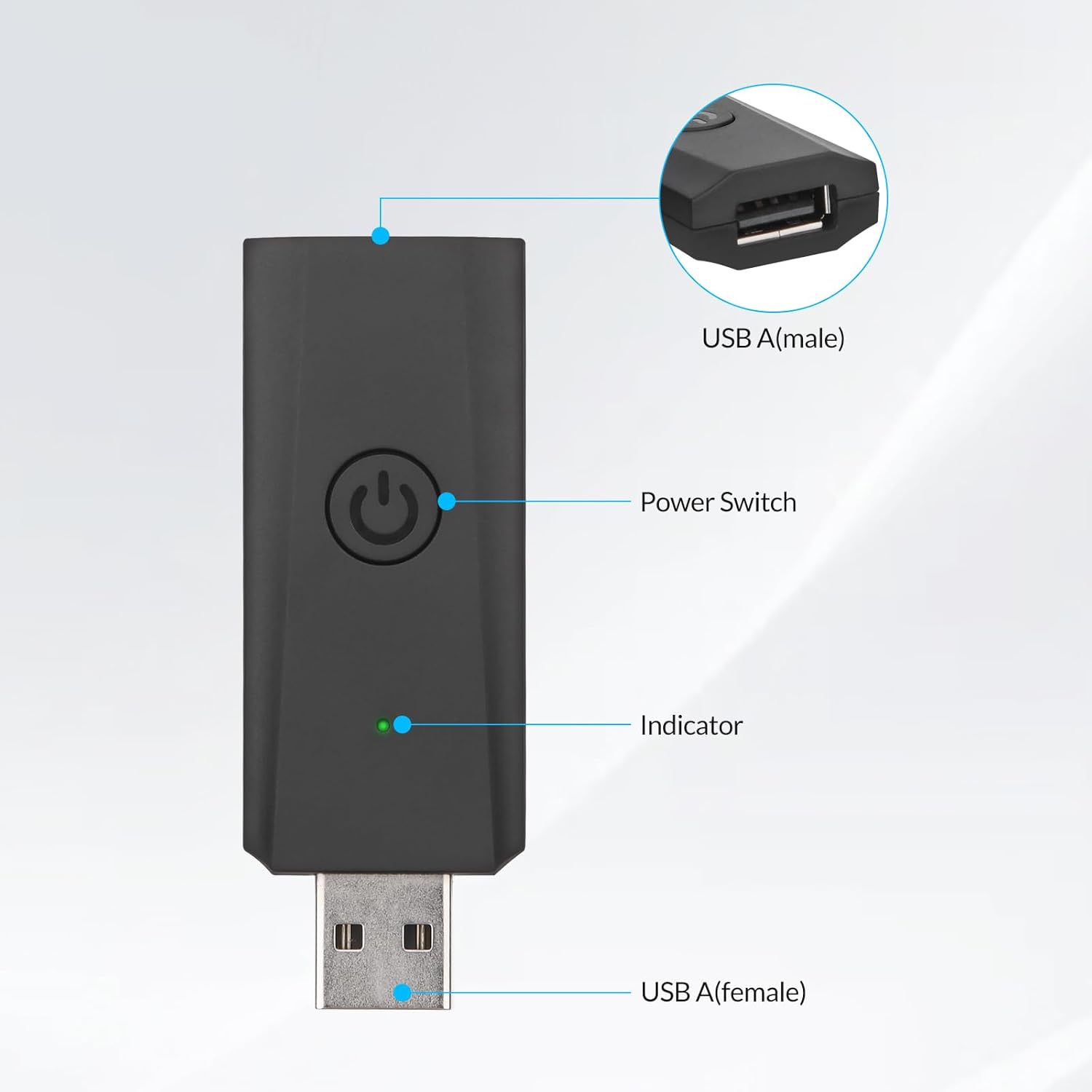
- Mechanical control button:When the networking problem cannot be solved, you can try briefly pressing the power on/off symbol once to control it.
Reasons and solutions for Alexa can’t find devices
- About the USB power switch
- Connect the USB power switch to the power source.
- Long press the mechanical control button on the device for 5 seconds until the blue indicator light on the device starts flashing.
- Wake up the Echo speaker and add device again.
- About the Echo speaker:
The Echo speaker has previously been linked to other accounts and has not been properly unbound.
- Restore the Echo speaker to factory settings. (Press and hold the function key for 10 seconds until an orange rotating aperture appears.)
- Add the Echo speaker to your Alexa account.
- Delete the Echo speaker from your Alexa account.
- Add the Echo speaker to your Alexa account again.
- Wake up the Echo speaker and add the device.


Reviews
There are no reviews yet.