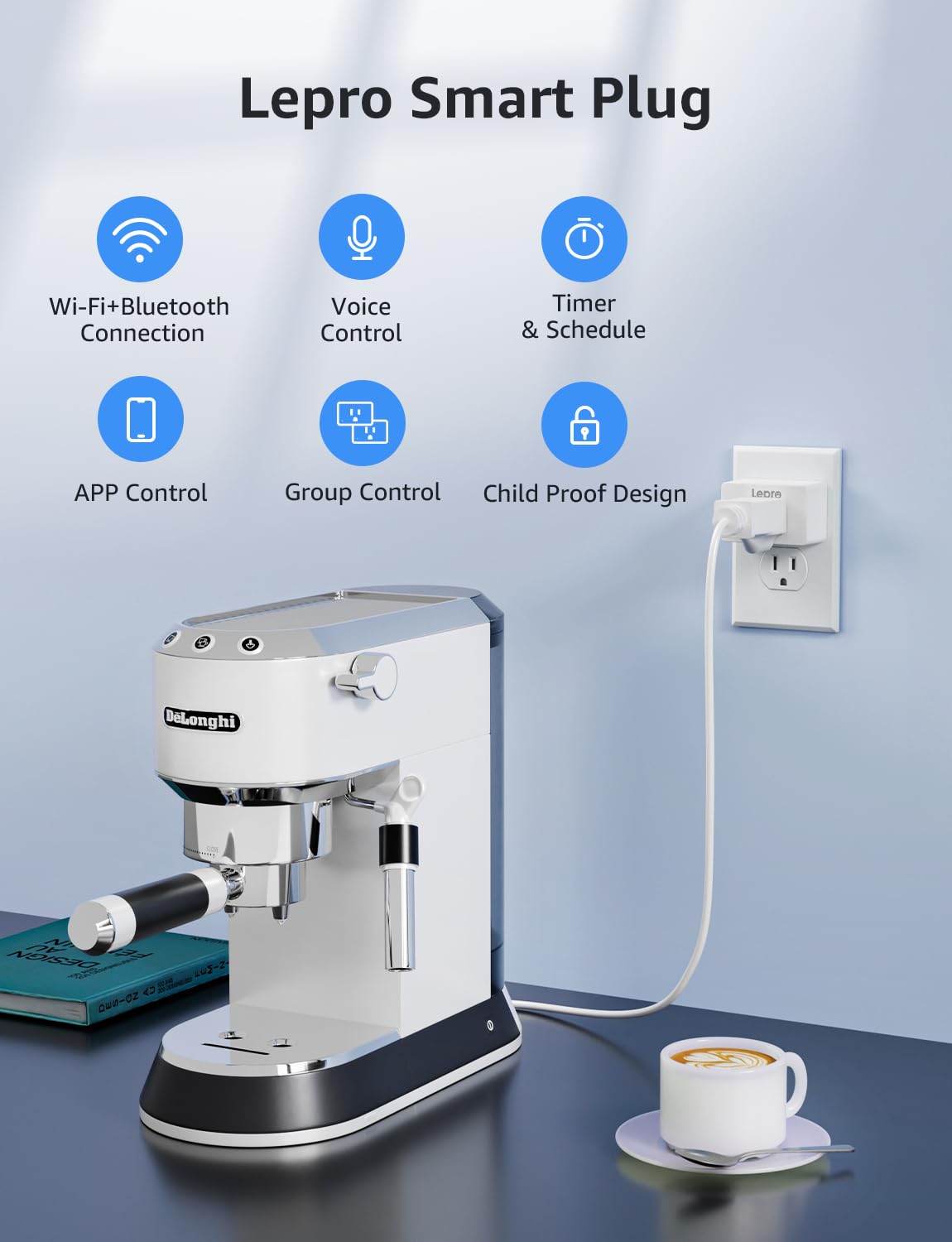
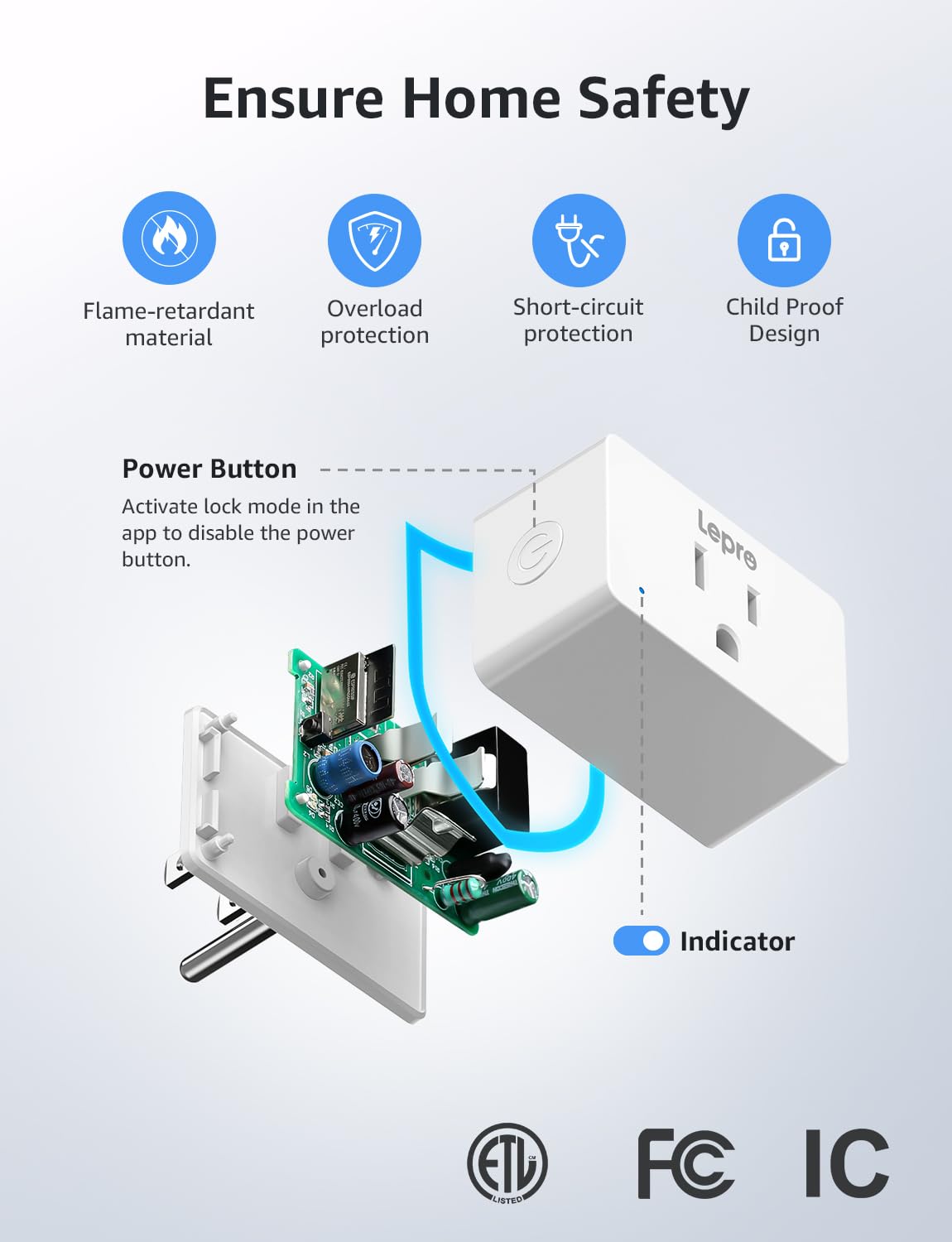
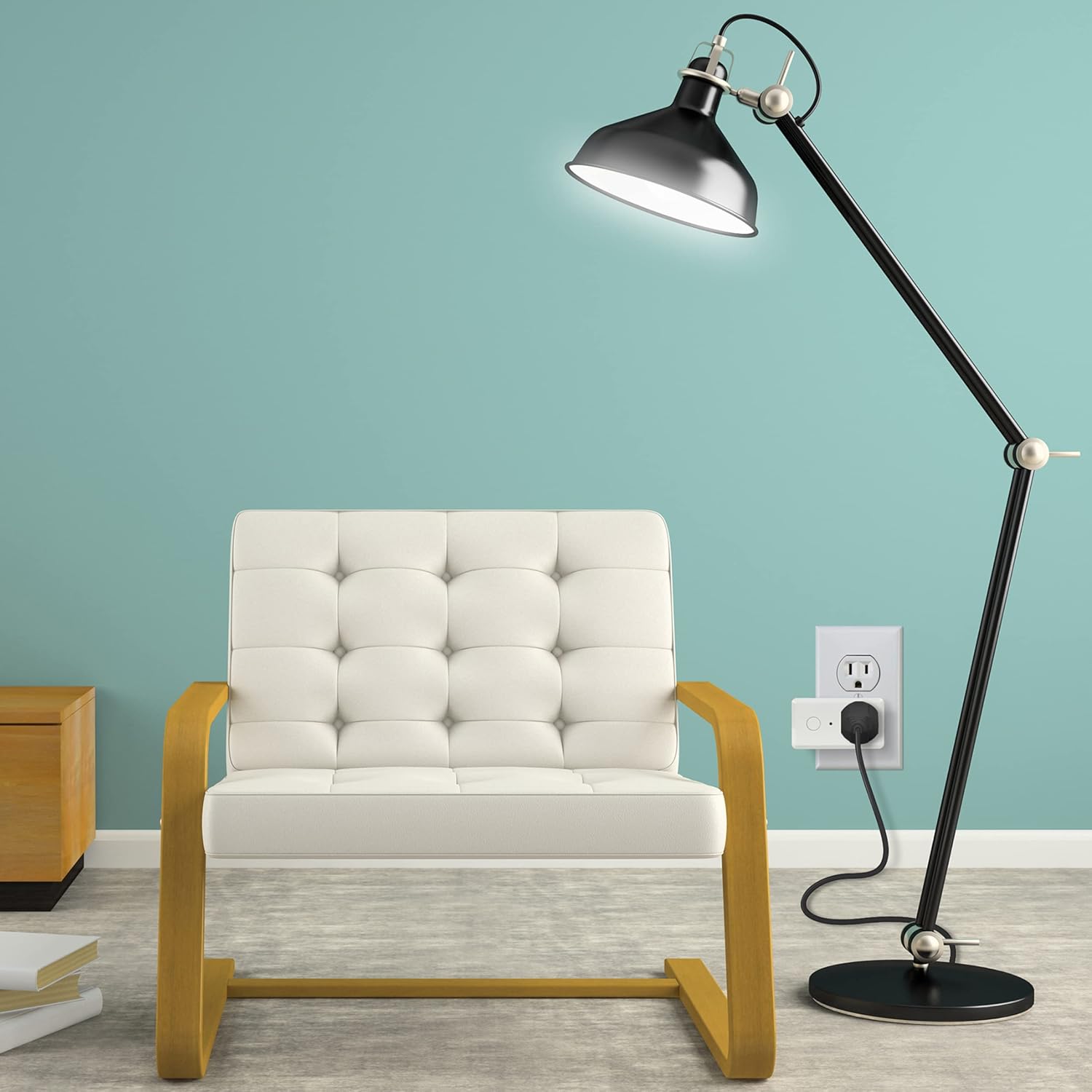
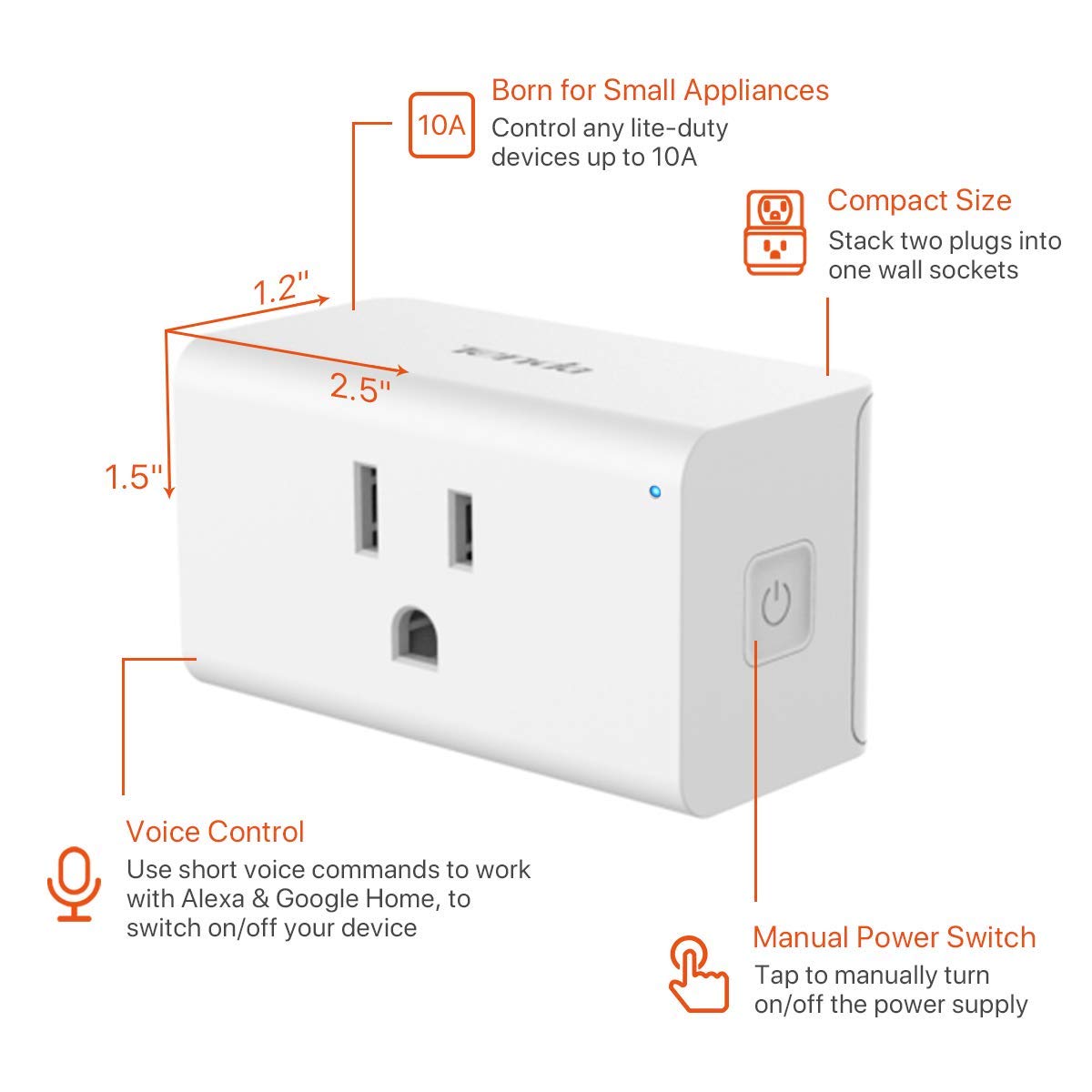
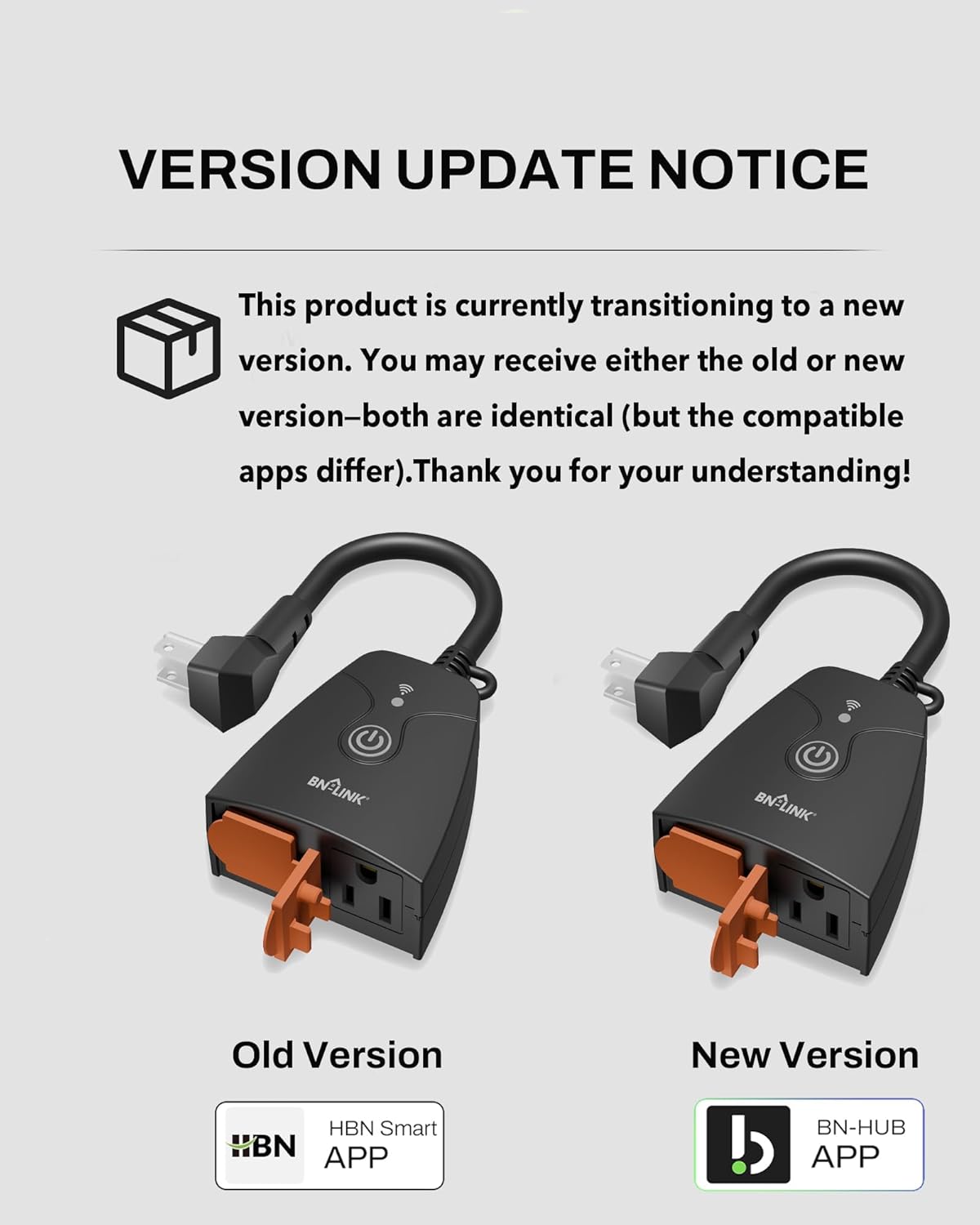
Product description
-
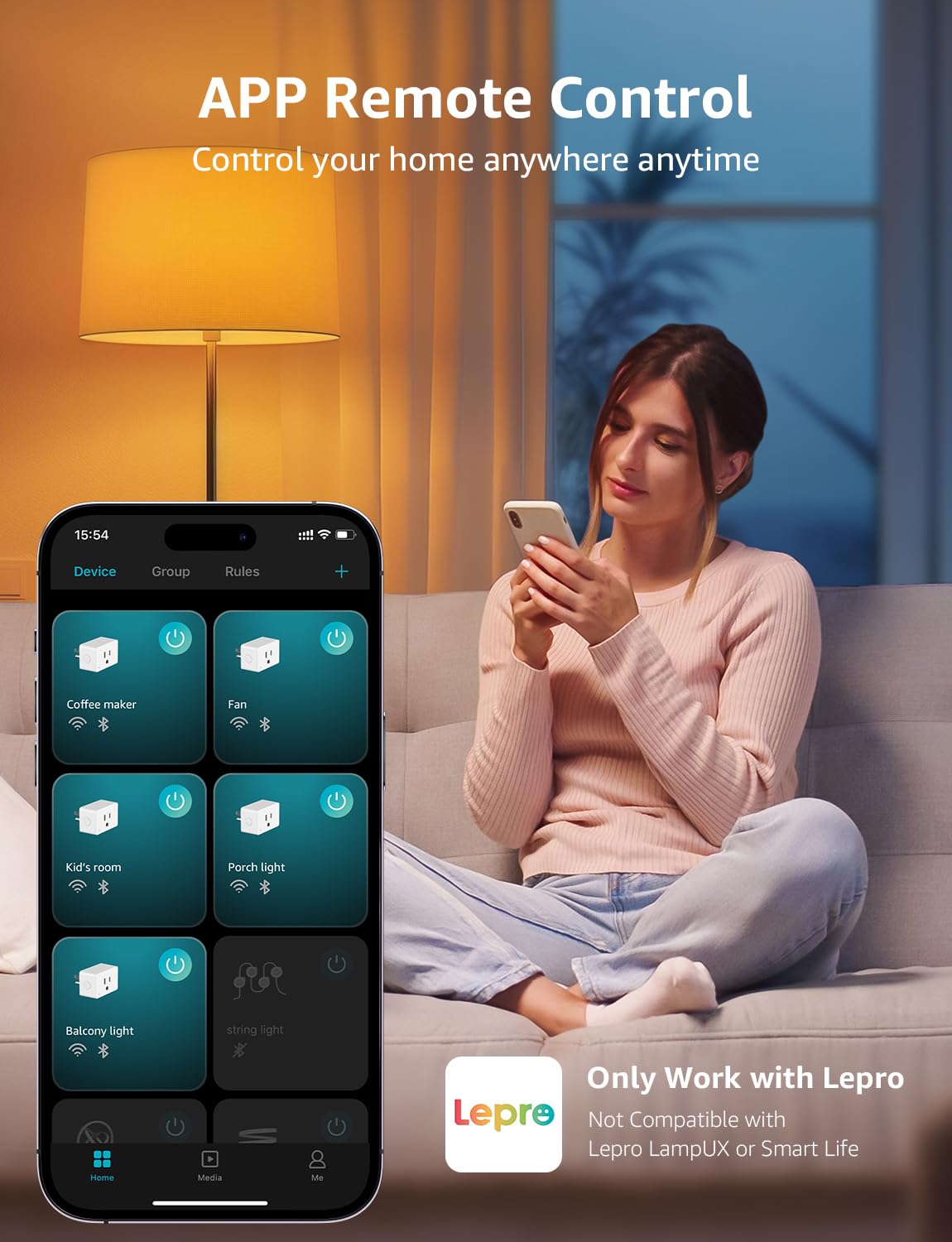
Can I control the smart plug via the Smart Life/SmartThings APP/Tuya APP?
No, only the Lepro APP is supported.
-
How to connect to P1 smart plug?
1.Turn on your phone's Bluetooth and connect to 2.4GHz WiFi network
2.Download and register the Lepro APP
3.Click "Add Device" and "+" in the top right corner, select the P1 model Plug in the list and wait for connection
Please note: Only 2.4Ghz WiFi
-
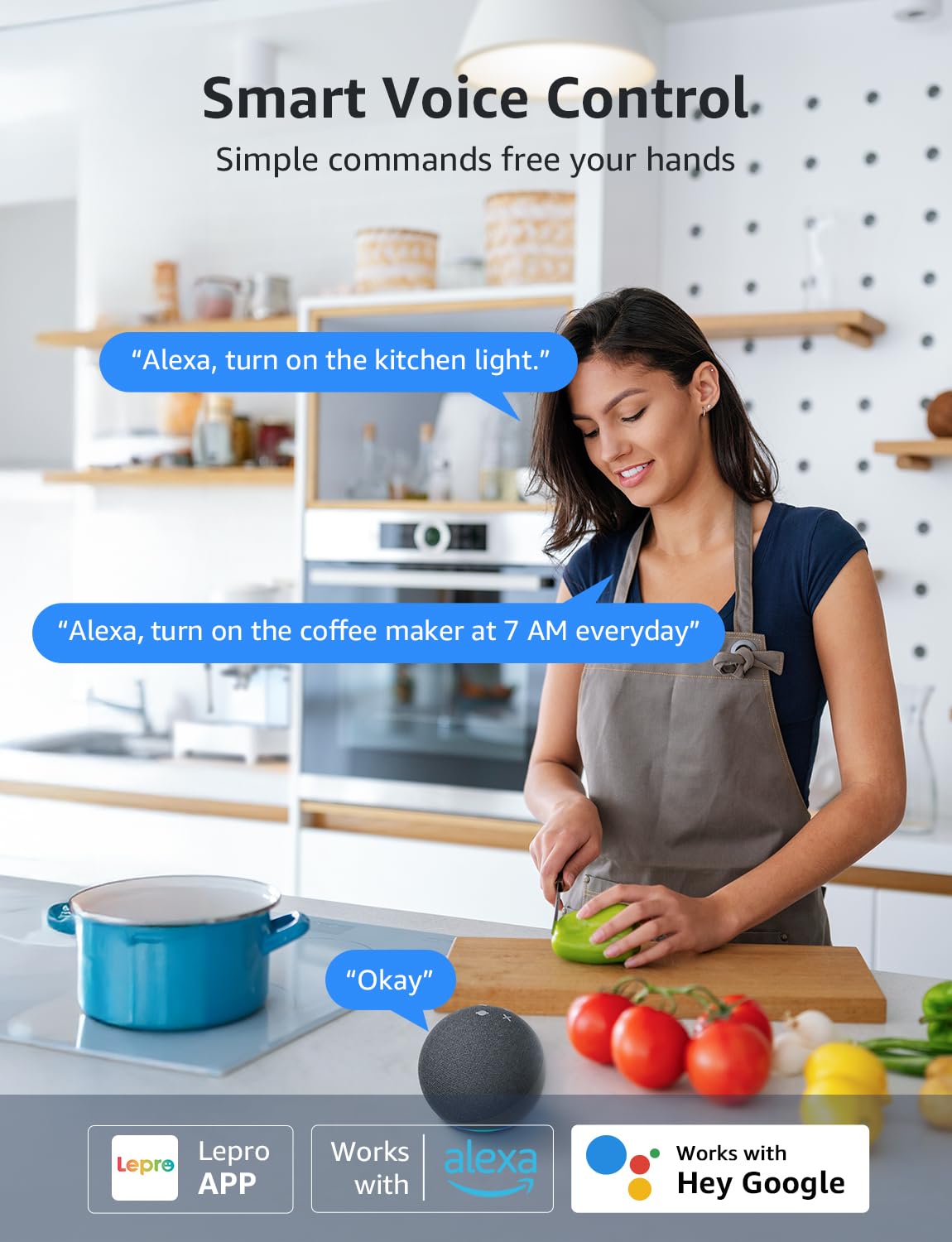
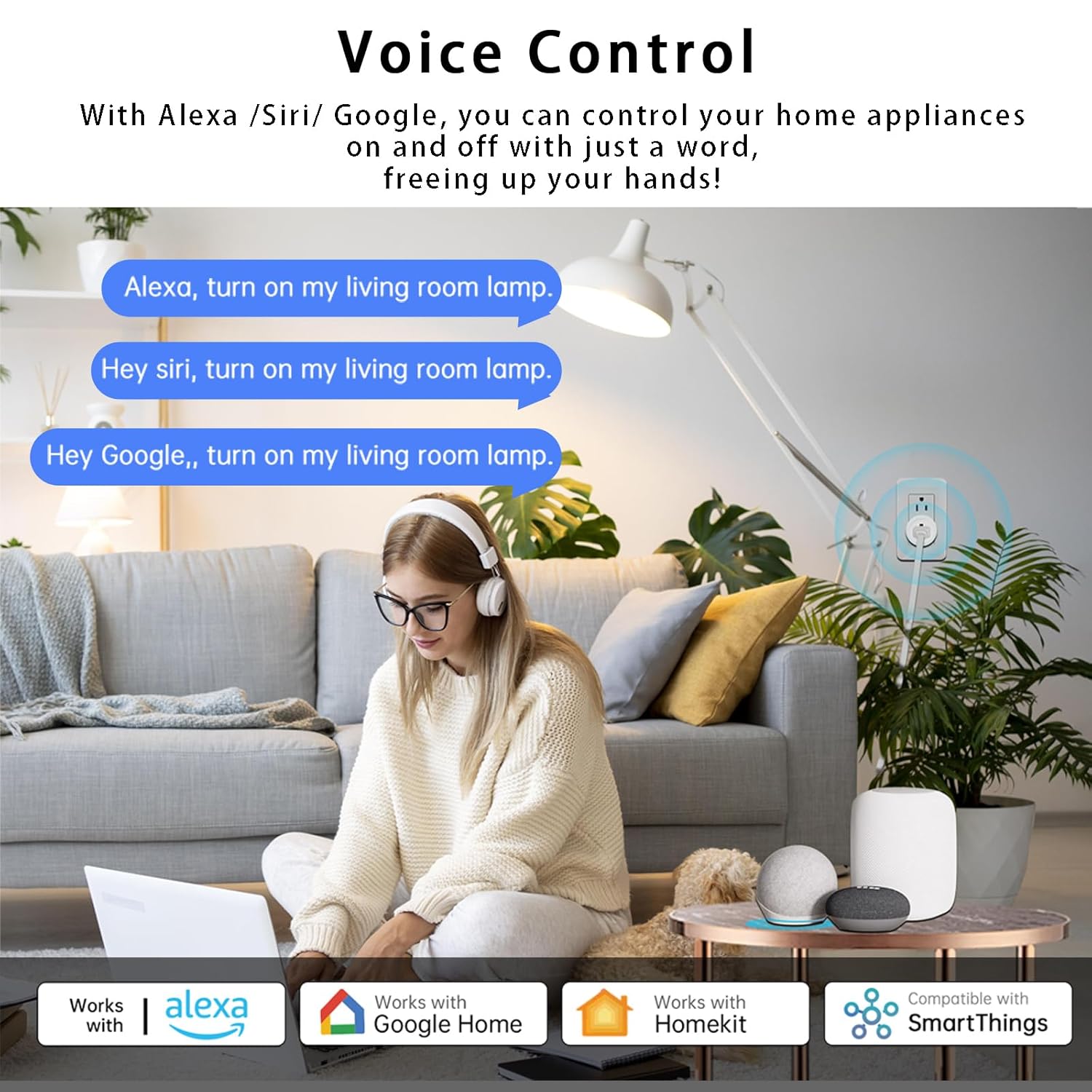
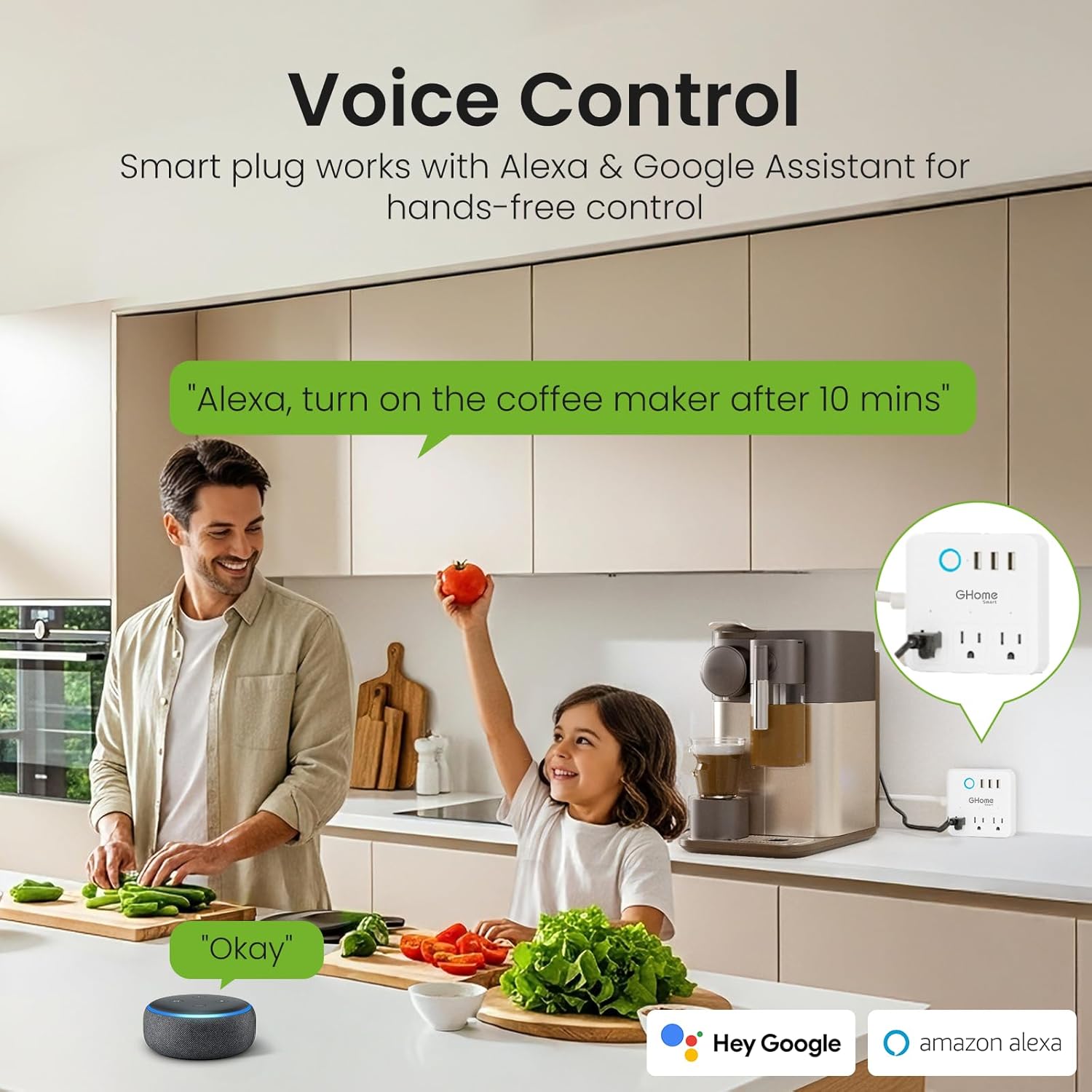
How to connect to Alexa & Google Assistant?
1.Select "Me" in your lepro APP then choose Alexa or Google Home
2.Enter your Alexa or Google Home username and password
3.Click "Link" and "connect" to connect 2 accounts
4.The plug can now be controlled using Alexa or Google Home


Reviews
There are no reviews yet.