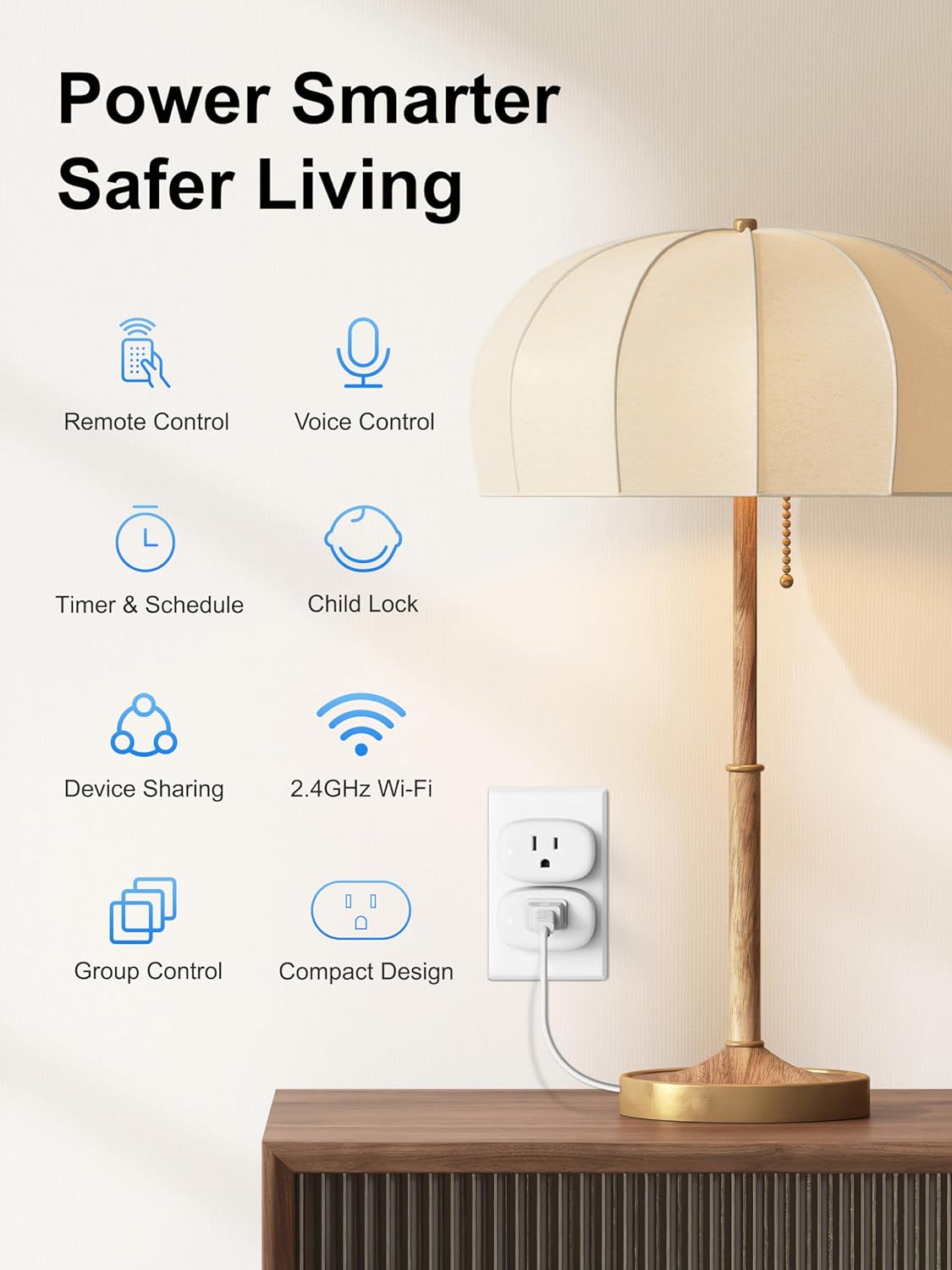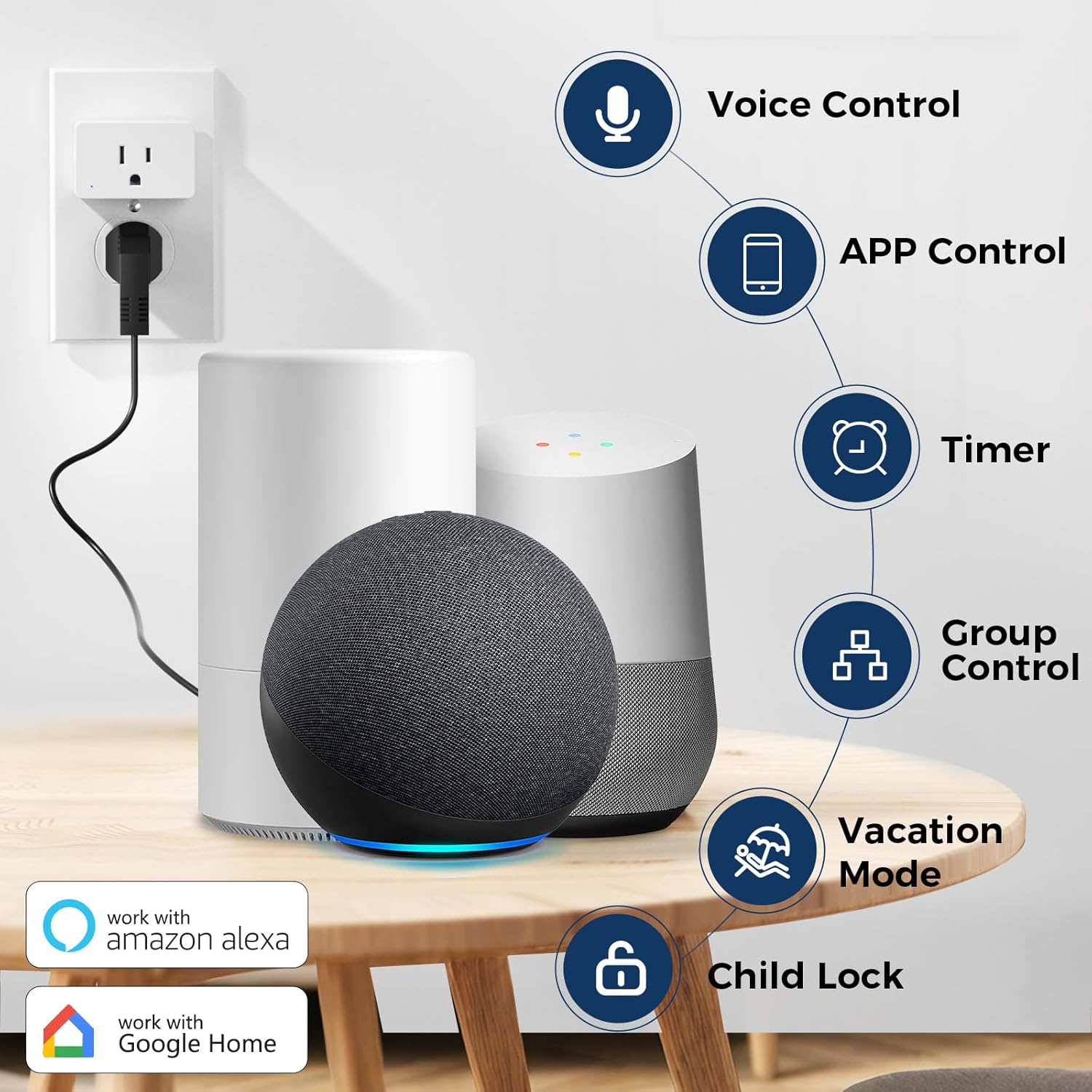
Product description


-
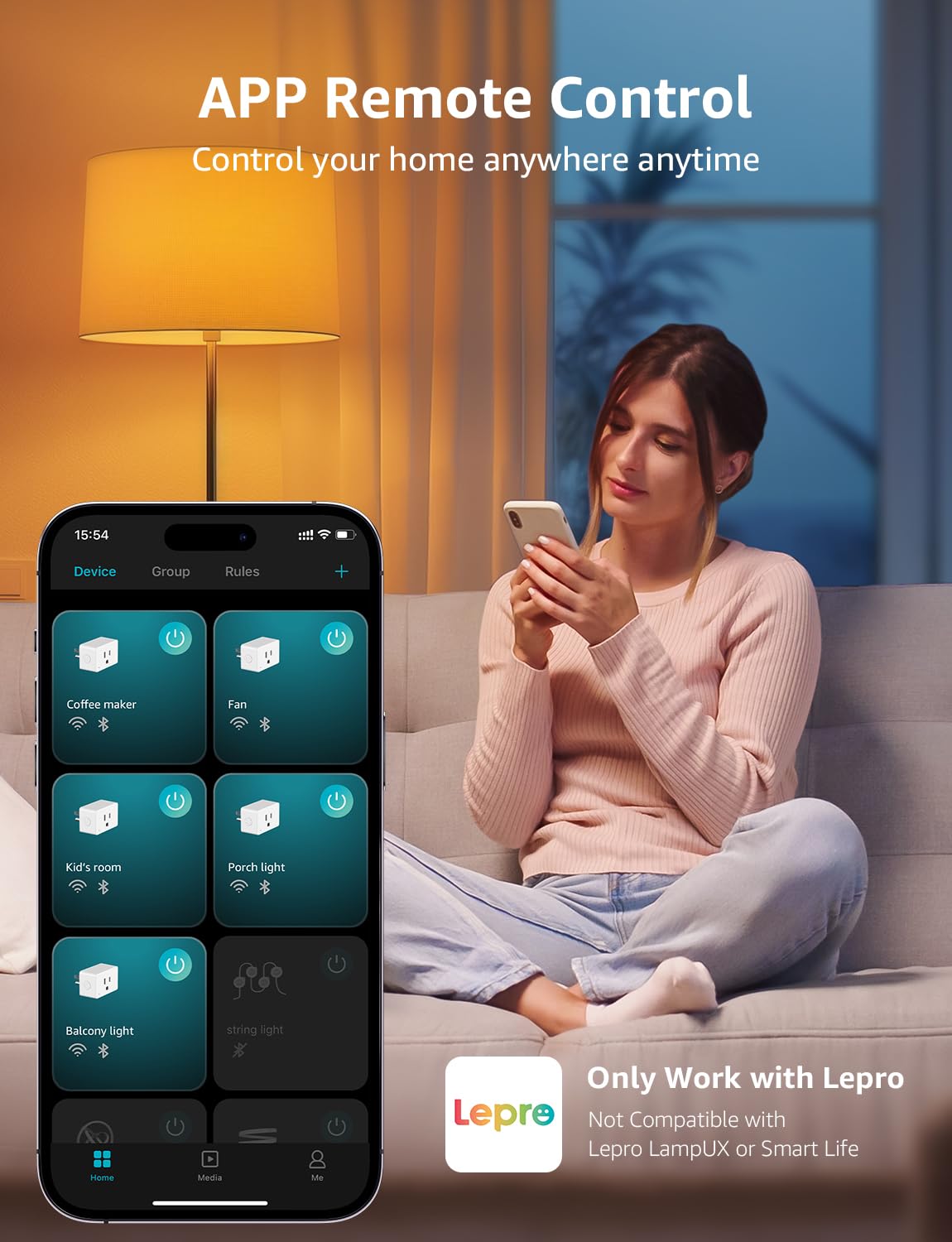
Why did I fail to connect with the APP?
Please check if you have downloaded the correct APP. It is only compatible with Lepro APP. ( Do NOT download the "Lepro LampUX", Smart Life, SmartThings, or Tuya apps, as they are not compatible.).
-
How to connect to P1 smart plug?
1.Turn on your phone's Bluetooth and connect to 2.4GHz WiFi network
2.Download and register the Lepro APP
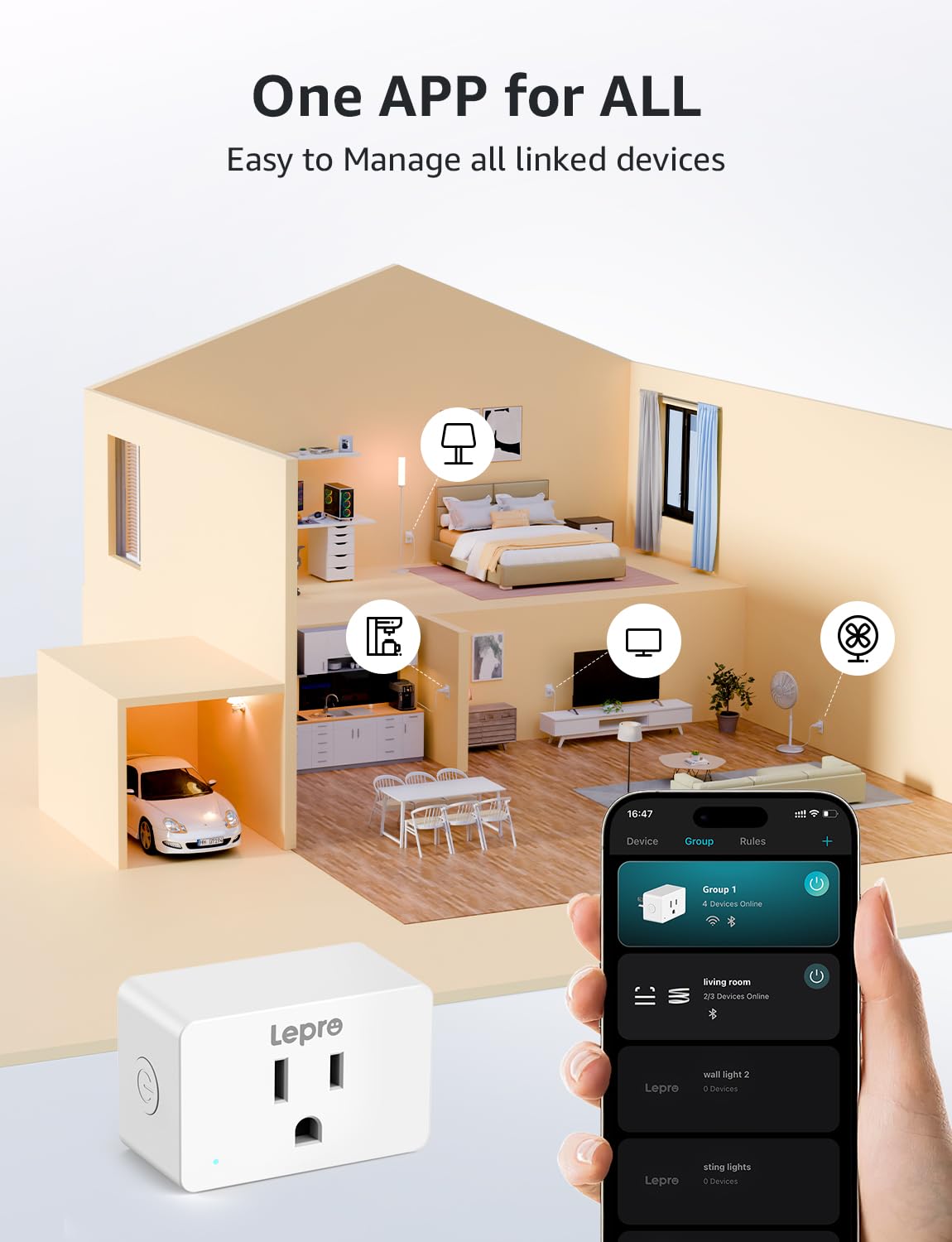
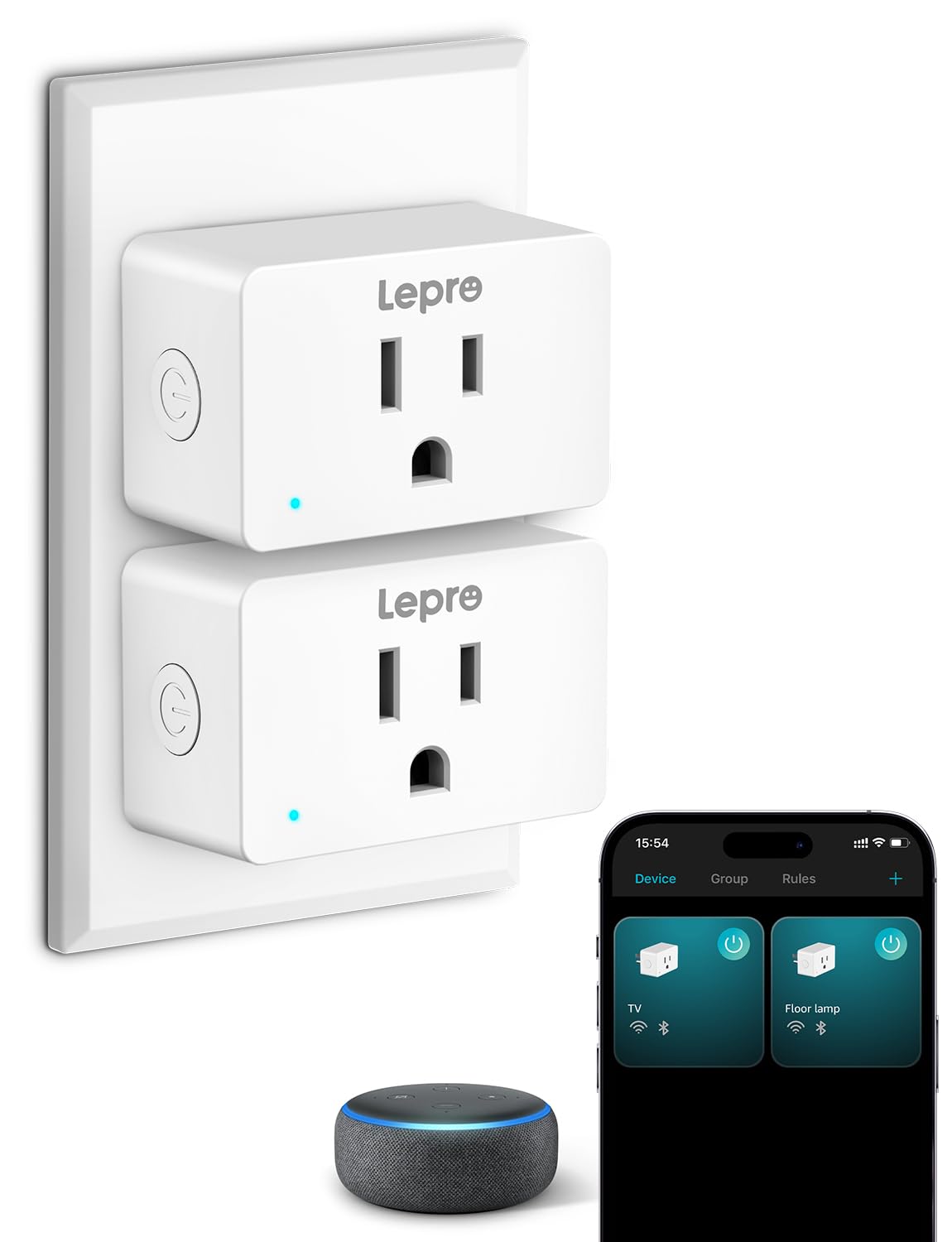
3.Click "Add Device" and "+" in the top right corner, select the P1 model Plug in the list and wait for connection
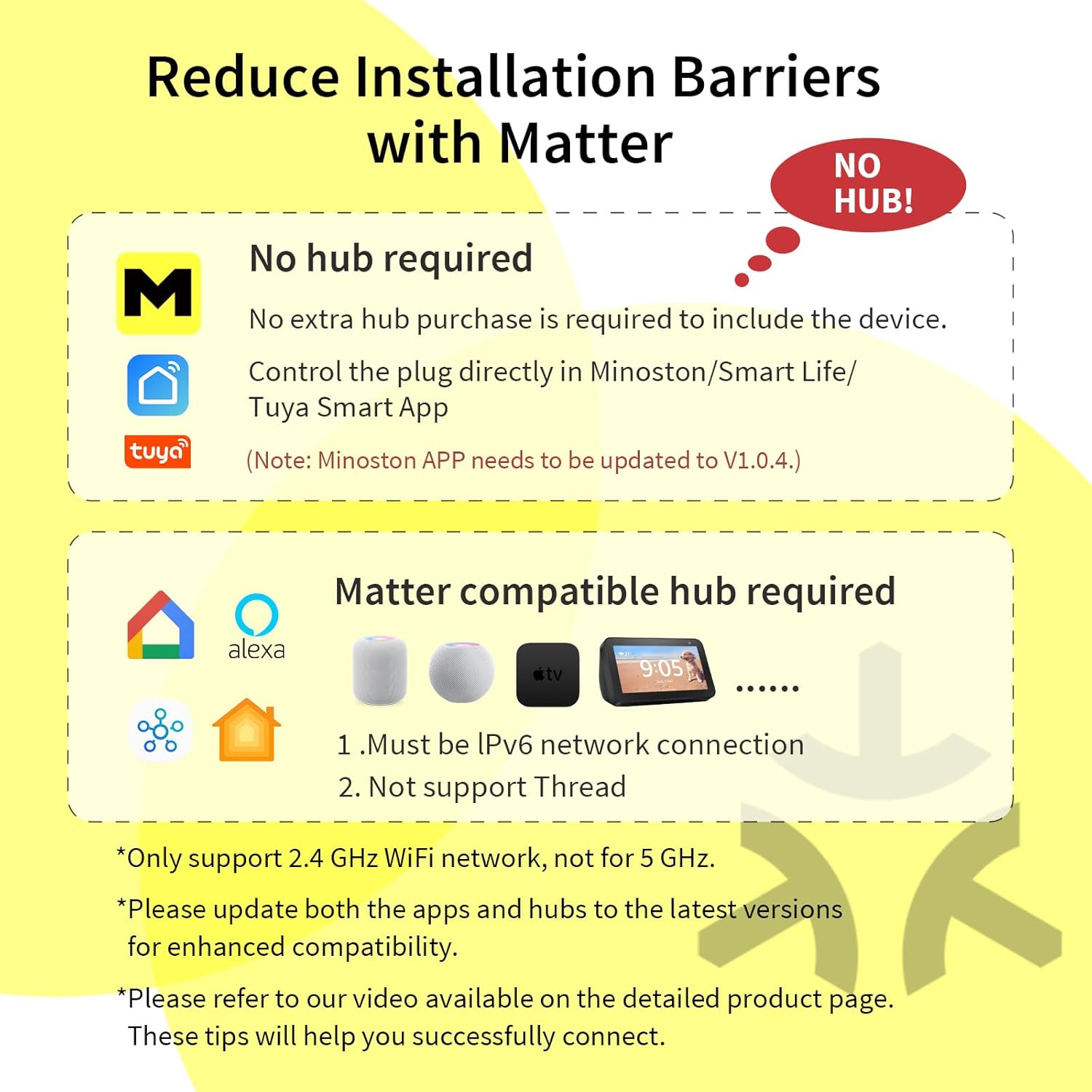
Please note: Only 2.4Ghz WiFi
-
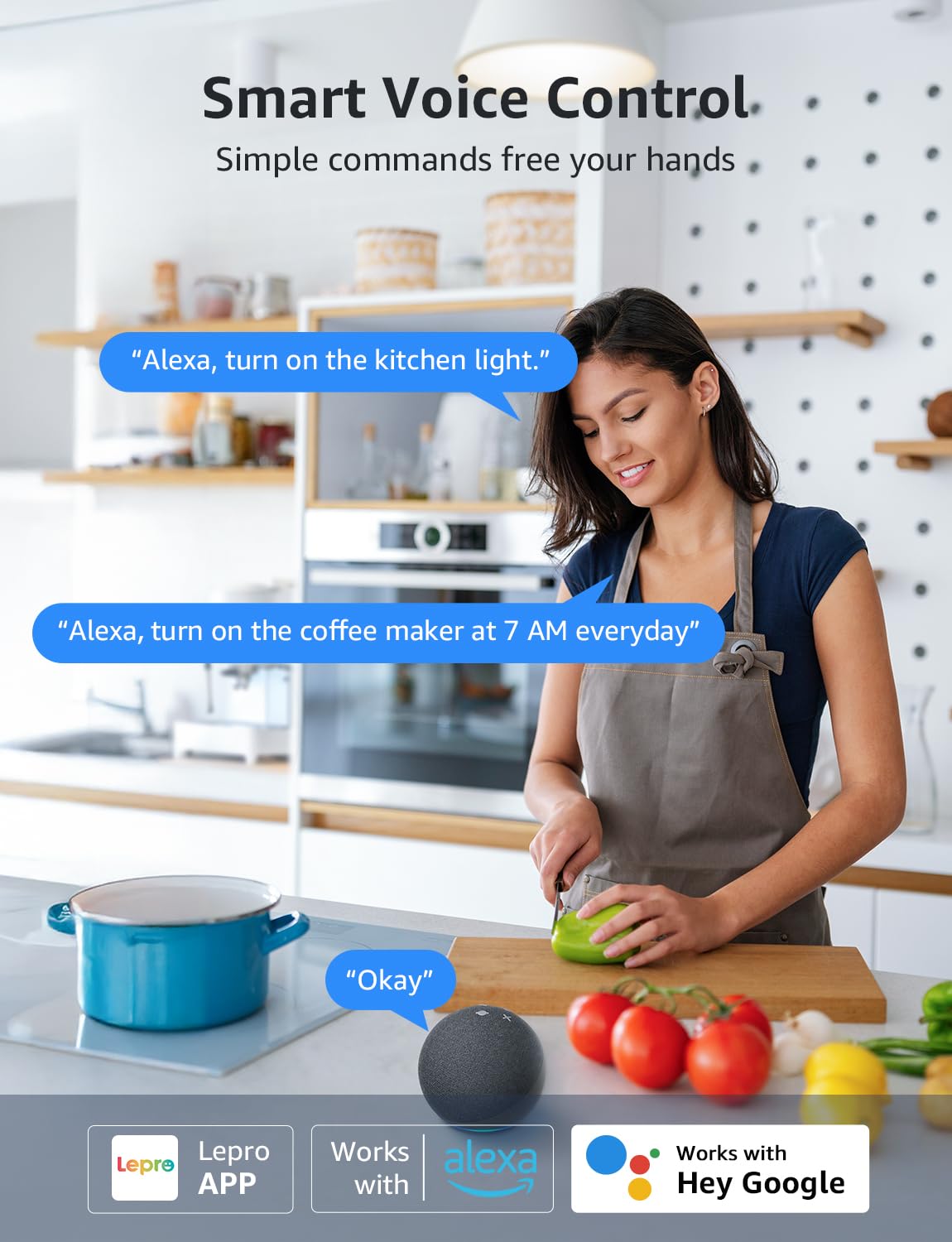
Why did I fail to connect with the Alexa?
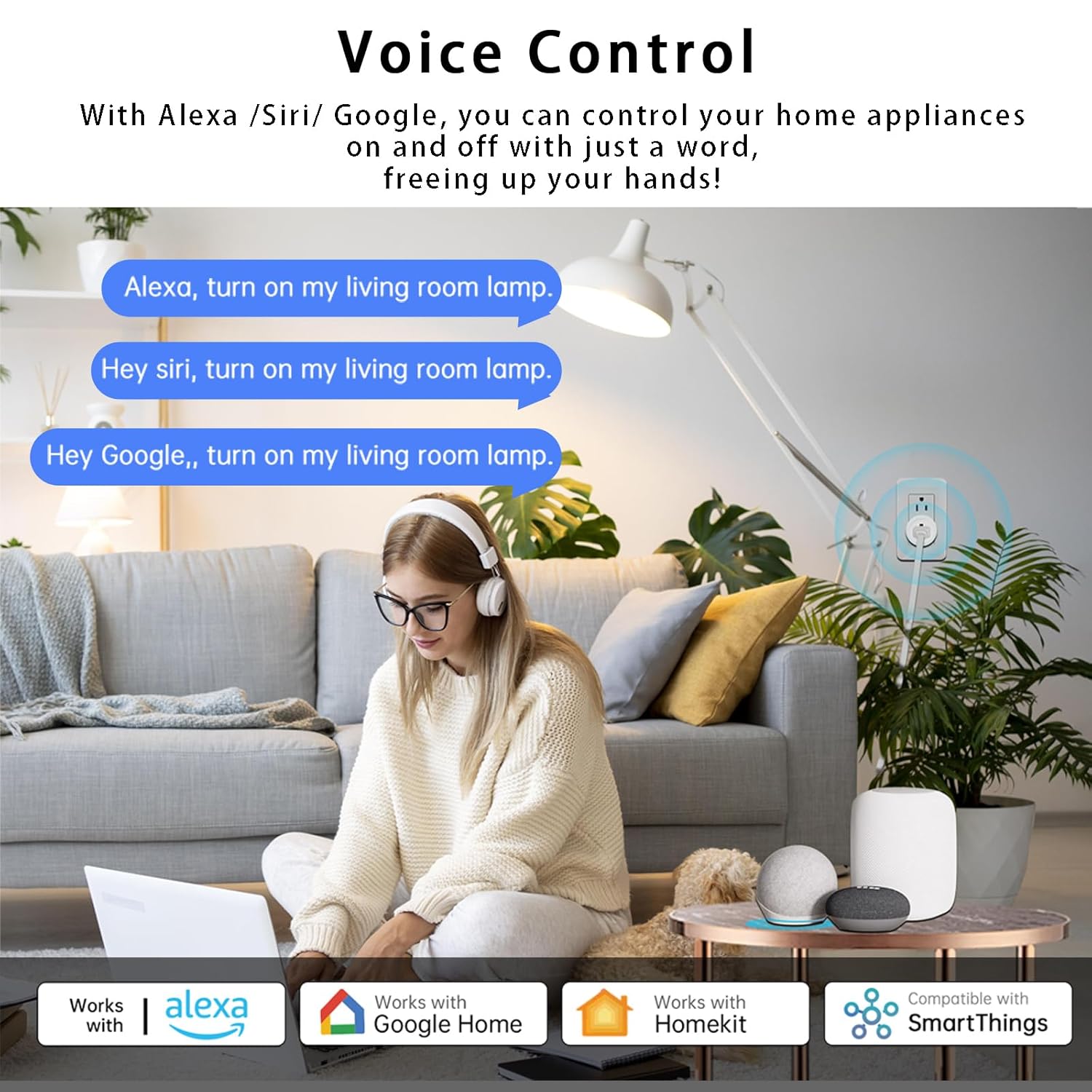
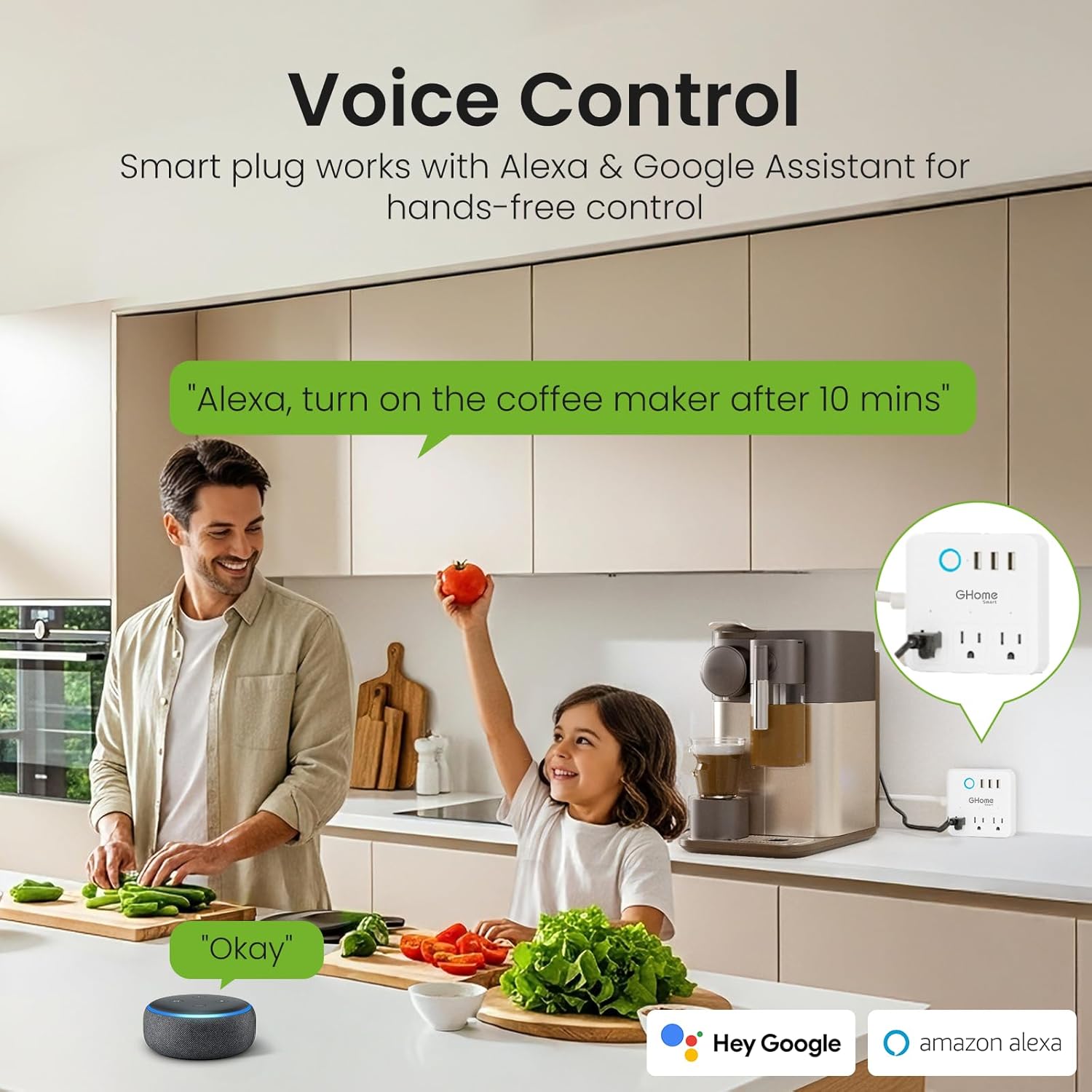
Please ensure the plug is connected to the Wi-Fi network before using Alexa to control it. After Account Linking, if your device is not found in Alexa, perform a 'discover devices' operation by simply stating "discover devices" using voice commands.
-
Why does the connection fail even when I turn on the wifi?
Please check if you are using 2.4GHz wifi. Only supports 2.4GHz Wi-Fi. ( NOT support 5ghz)


Reviews
There are no reviews yet.